
iPhone
Share your wifi password with guests in one tap
Skip reading a long wifi password out loud this holiday weekend. Your iPhone can send it to a guest’s iPhone with one tap, if a few settings are in place.
Skip reading a long wifi password out loud this holiday weekend. Your iPhone can send it to a guest’s iPhone with one tap, if a few settings are in place.

Renewals, licenses, tested backups, former employees, device management, and passwords: the tech items I check with San Diego small businesses before January 1, and how to do them yourself.
Rescue a Stuck iPhone or iPad with iOS 27’s Built-In Recovery Screen If your iPhone or iPad running iOS 27 or iPadOS
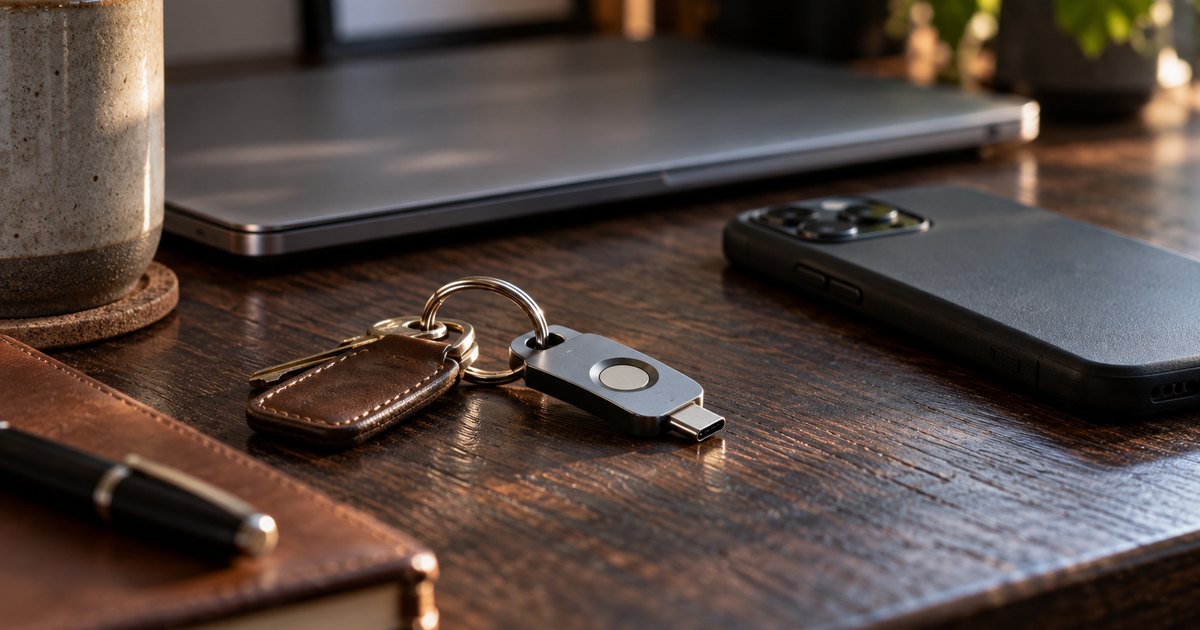
Not all two-factor authentication is created equal. Here is how SMS codes, email codes, authenticator apps, push approvals, hardware keys, and passkeys rank from weakest to strongest, and how to set them up the right way.

If your phone rings ten times a day and nine of them are strangers, you can stop that today without missing a call that matters.
Here is the biggest time-saver on a Mac, and it costs you one keystroke.

On the Mac, every file type opens in a particular app by default, but it’s easy to open a PDF, image, or text file in a different app. In the Finder’s Get Info window, you…

Safari’s compact tab bar option, which saves vertical space by placing the address bar in the current tab, went missing in the initial releases of macOS 26 Tahoe and iPadOS 26. Only Apple knows why…

Apple’s New Home Lineup: What to Buy, What to Skip, and What to Wait For Apple is reinvesting in the home in

Apple’s built-in device management just went free, but “free” doesn’t mean “enough” for every business. Here’s what MDM actually does, what Jamf Now, Mosyle, and the rest cost right now, and a simple rule for deciding whether you need it.

An iPad can run your register, greet your customers, and follow your techs into the field, but only if you pick the right model, the right stand, and the right settings for the job. Here is how San Diego small businesses put iPad to work, and what to know before you buy.

A prioritized, do-this-in-order security checklist for San Diego small businesses running Macs, from standard user accounts and FileVault through backups, 2FA, and when it’s time for MDM.

Tired of paying $10 a month forever for cloud storage you don’t own? Here’s what a Synology NAS actually does, how to pick the right model, and the real math on cost versus years of subscription fees.

Battery health, Apple’s 2026 repair prices, the Intel-to-Apple-silicon support cliff, and a simple decision table to help San Diego Mac owners decide whether an aging Mac is worth fixing or replacing.
Renewals, licenses, tested backups, former employees, device management, and passwords: the tech items I check with San Diego small businesses before January 1, and how to do them yourself.

If you ever get locked out of your Apple Account, a trusted friend or family member can help you back in. It is quick to set up, and best done before you need it.
How to Prepare for a Wave of AI-Found Security Flaws The name “Black October” took hold
Skip reading a long wifi password out loud this holiday weekend. Your iPhone can send it to a guest’s iPhone with one tap, if a few settings are in place.
Rescue a Stuck iPhone or iPad with iOS 27’s Built-In Recovery Screen If your iPhone or

A short battery life does not always mean a worn-out battery. Check the Battery Health screen first, then decide whether a replacement makes sense.

Buying your first Mac this holiday season? Here is what Migration Assistant moves, what it leaves behind, and how I handle Outlook, QuickBooks, and printers when I move a San Diego home or office over from Windows.

The Genius Bar is great for warranty repairs. For everything else in San Diego, a house call fixes the problem where it lives: your home, your wifi, your setup.
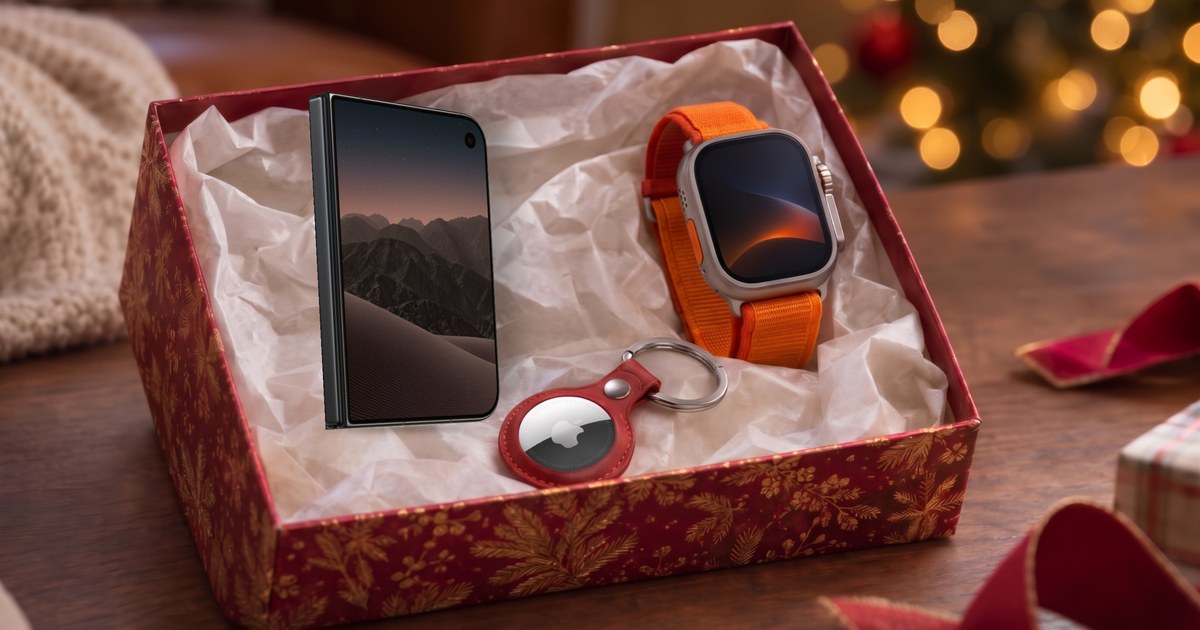
Social Media: Shopping for someone who uses a Mac, iPhone, or iPad? We’ve sorted this year’s tech gifts by list price, from a $29 AirTag to a $999.99 5K display, with notes on which devices each gift works with.