The year-end tech checklist for San Diego small businesses
Renewals, licenses, tested backups, former employees, device management, and passwords: the tech items I check with San Diego small businesses before January 1, and how to do them yourself.
Practical Apple advice from San Diego Mac Tech: Mac, iPhone, iPad, wifi, and security tips, in plain talk.

Renewals, licenses, tested backups, former employees, device management, and passwords: the tech items I check with San Diego small businesses before January 1, and how to do them yourself.

Rescue a Stuck iPhone or iPad with iOS 27’s Built-In Recovery Screen If your iPhone or iPad running iOS 27 or iPadOS

A short battery life does not always mean a worn-out battery. Check the Battery Health screen first, then decide whether a replacement makes sense.

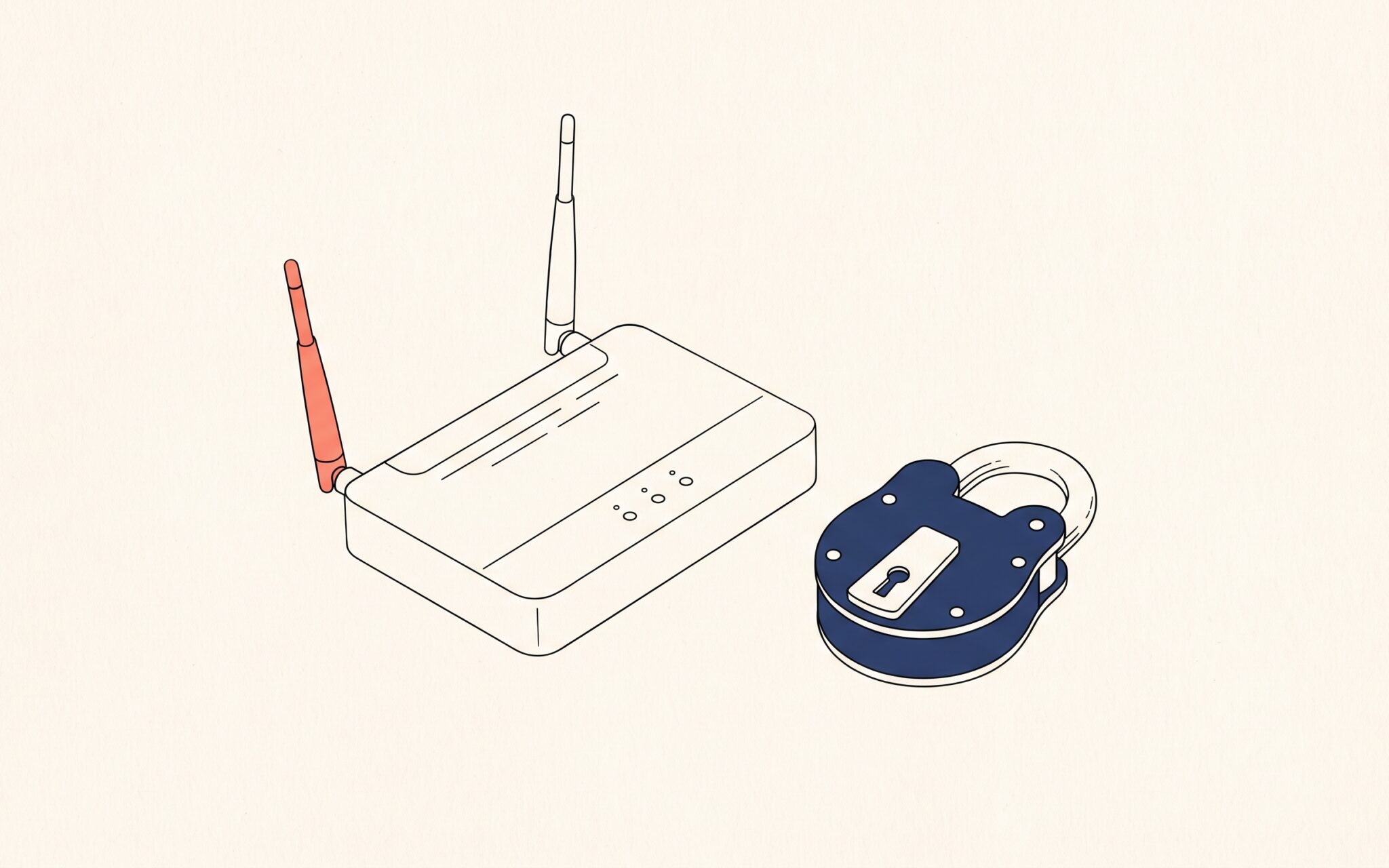
If you still unplug the router every few weeks because “that fixes it,” you are treating a symptom of old hardware.
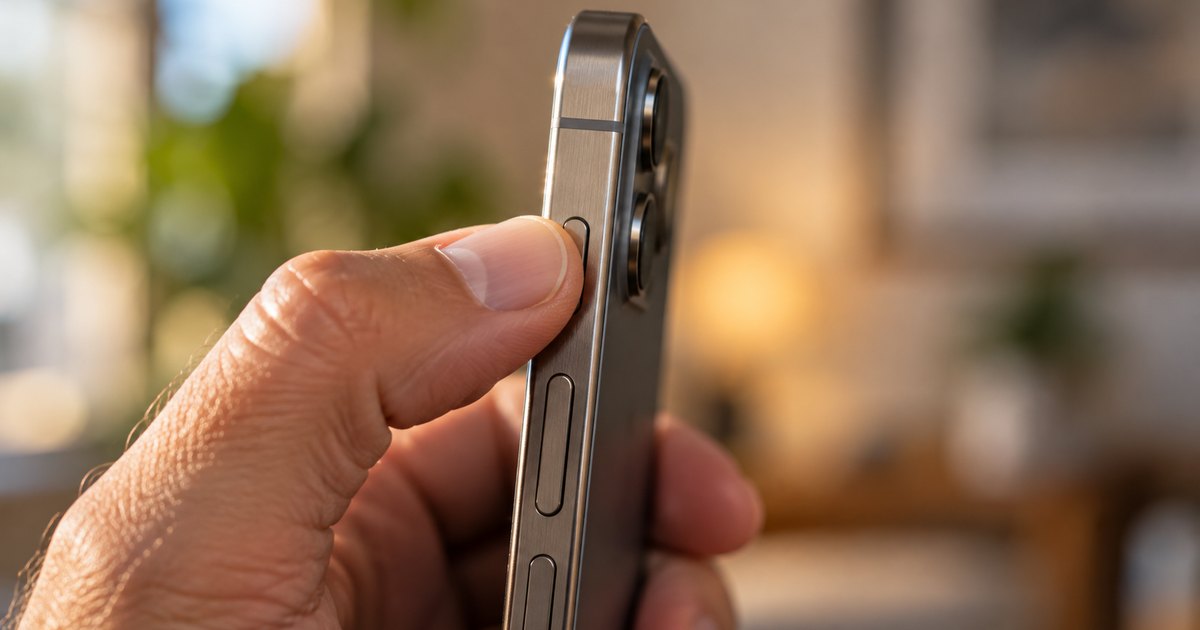
If your iPhone has an Action button where the mute switch used to be, it is probably still set to mute.

This one takes four minutes and is the single most valuable thing on your phone if you are ever in an accident.

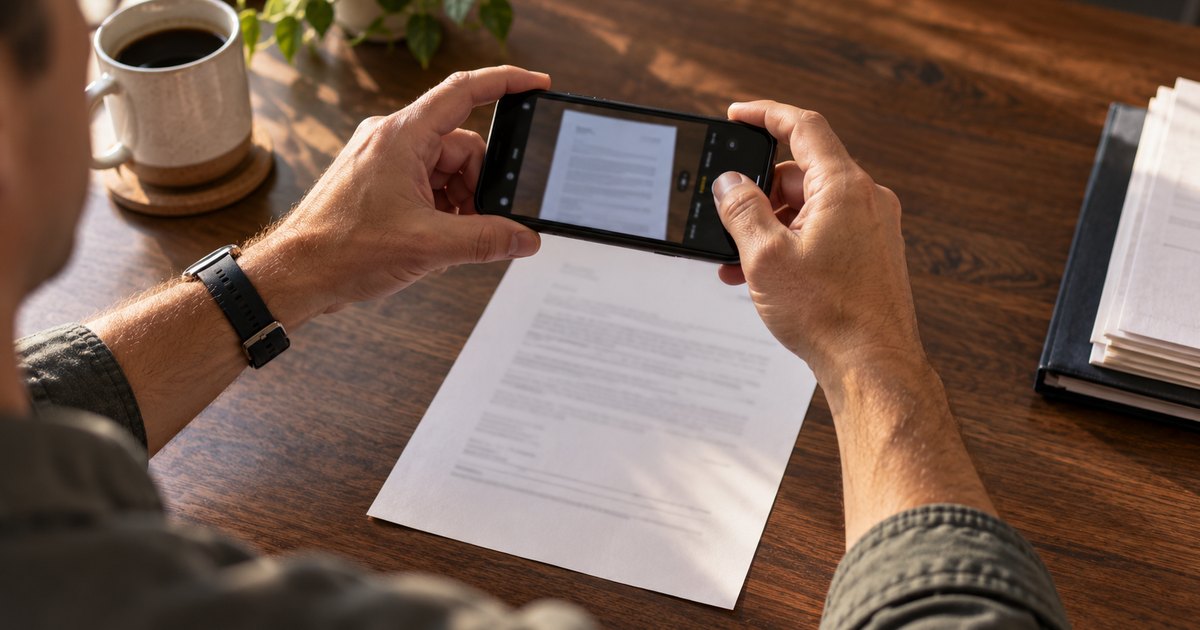
You do not need a scanner, and you do not need one of those free scanning apps that turns into a subscription.

Any Mac can turn anything printable into a PDF, and it works in every app without installing a thing.

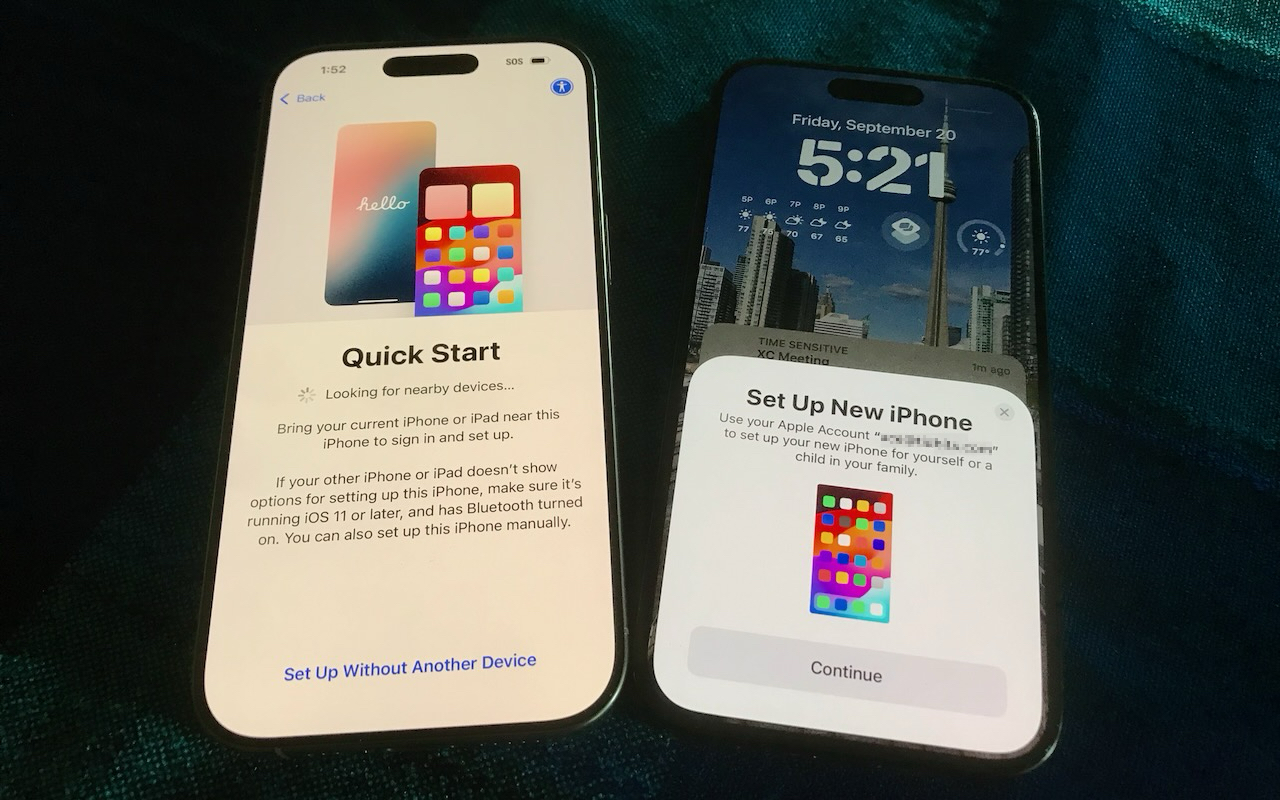
Getting a new iPhone 18? Do not rush the setup. A little prep work now can save you from missing data, apps, and settings later. Here is what to do before and after transferring from your old iPhone.

Printing a document just to sign it, then scanning it back in, is a ritual nobody needs anymore.

Reading articles on the Web has become fraught with distraction. Ads are terrible, of course, but publications also inundate you with navigation links, pop-ups encouraging you to subscribe, popular article lists, and more. Even worse…

Most people know Command-Shift-3 grabs the whole screen and Command-Shift-4 grabs a selection.

Need to capture a moment fast? On iPhone 16 and later, press the Camera Control once to open the Camera app, then press and hold to start recording video instantly.

Deleting something on an Apple device almost never deletes it immediately.

Renewals, licenses, tested backups, former employees, device management, and passwords: the tech items I check with San Diego small businesses before January 1, and how to do them yourself.

If you ever get locked out of your Apple Account, a trusted friend or family member can help you back in. It is quick to set up, and best done before you need it.

How to Prepare for a Wave of AI-Found Security Flaws The name “Black October” took hold

Rescue a Stuck iPhone or iPad with iOS 27’s Built-In Recovery Screen If your iPhone or

A short battery life does not always mean a worn-out battery. Check the Battery Health screen first, then decide whether a replacement makes sense.

If Office 2021 for Mac Says Your License Isn’t Supported, Update Again If Word, Excel, or

Buying your first Mac this holiday season? Here is what Migration Assistant moves, what it leaves behind, and how I handle Outlook, QuickBooks, and printers when I move a San Diego home or office over from Windows.

The Genius Bar is great for warranty repairs. For everything else in San Diego, a house call fixes the problem where it lives: your home, your wifi, your setup.

Social Media: Shopping for someone who uses a Mac, iPhone, or iPad? We’ve sorted this year’s tech gifts by list price, from a $29 AirTag to a $999.99 5K display, with notes on which devices each gift works with.
Providing expert IT solutions tailored to businesses and individuals, specializing in Apple tech and seamless integration in multi-platform environments.
To be updated on the latest of Mac’s Tech Notes.