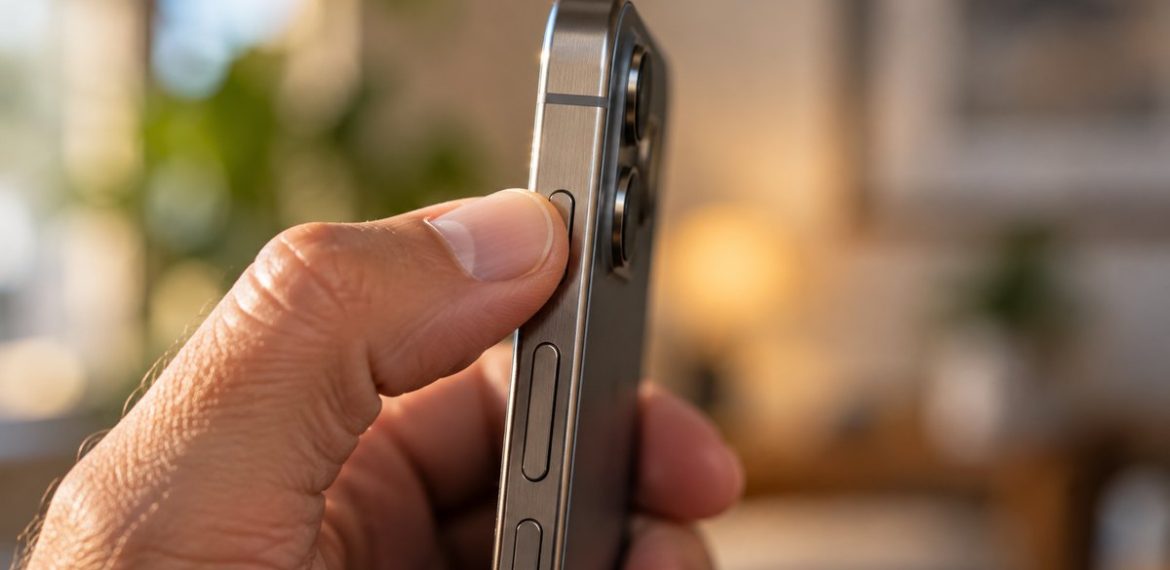
Put your iPhone Action button to real work
If your iPhone has an Action button where the mute switch used to be, which is every model from the iPhone 15 Pro on, it is probably still set to mute. That is a waste of the only physical button you get to choose.
Set it in Settings, Action Button. Swipe sideways through the options and pick one, then press and hold the button to fire it. Your choices include Silent Mode, Focus, Camera, Flashlight, Voice Memo, Magnifier, Translate, Visual Intelligence, Shortcut, Accessibility, and Controls.
The ones that earn their place, based on what people actually use:
Camera. Press and hold and it opens even from a locked phone, and right in that same settings screen you can set which mode it launches, so photo, video, or selfie. If you photograph work sites or your kids, this is the one.
Voice Memo. Press and hold, start talking, press again to stop. Perfect for the thought you will lose by the time you unlock the phone.
Flashlight. Simple and genuinely handy at night.
Magnifier. Turns the phone into a magnifying glass with a light. If you read small print or serial numbers, this beats squinting.

Shortcut is the real answer for most people, because it lets one press do anything. A few that work well: start a specific playlist in the car, text “on my way” to one person, start a timer for the exact length you always use, or turn on a Focus mode and open Notes at the same time. Build it in the Shortcuts app first, then point the Action button at it.
Two notes. If you take the button off Silent Mode you can still mute the phone from Control Center. And on the newest models you also get the separate Camera Control button, so consider giving the Action button to something other than the camera.
You must be logged in to post a comment.