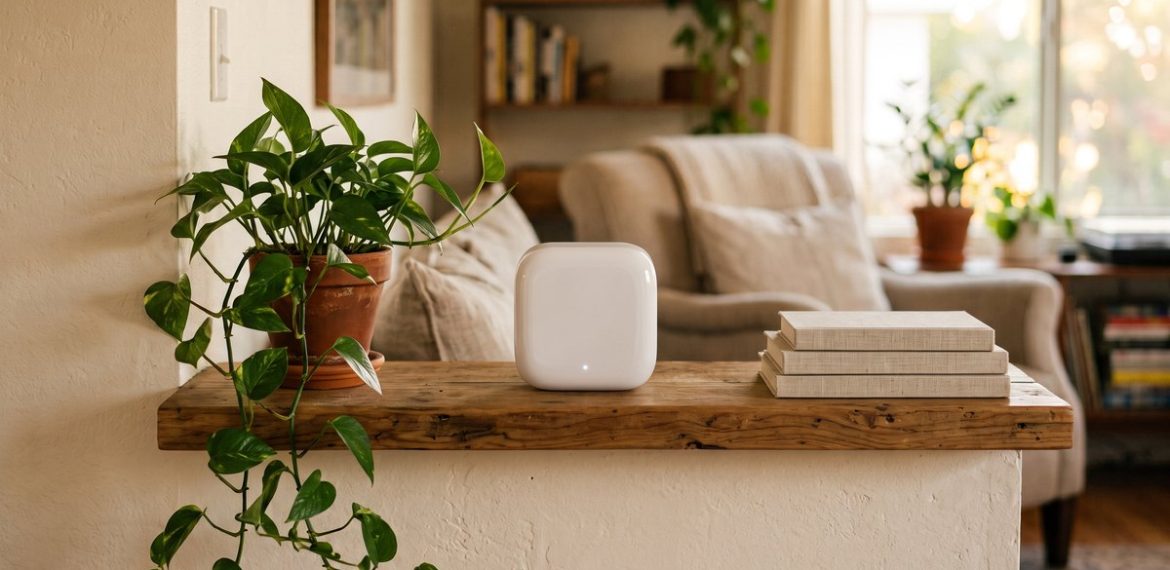
Skip the monthly router reboot: what eero handles for you
If you still unplug the router every few weeks because “that fixes it,” you are treating a symptom of old hardware. A modern mesh system is designed so you never think about it, and knowing what it does on its own saves you the ritual.
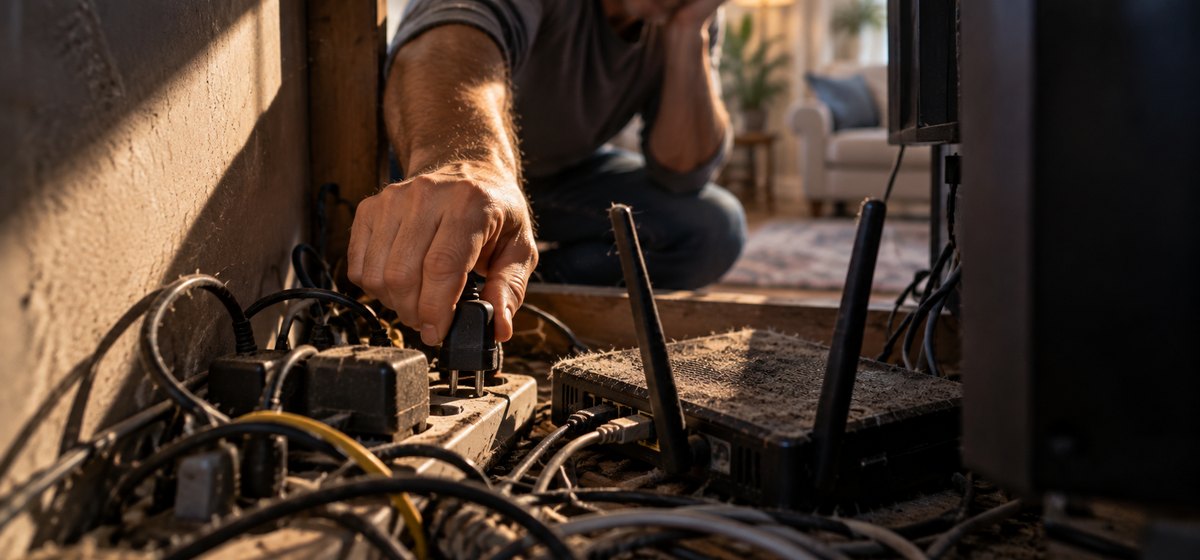
Updates install themselves. eero pushes firmware automatically, usually in the middle of the night, and applies it across every node in the system. You do not download anything, you do not click anything. Old routers went years without an update unless someone logged into a web page nobody could find, which is exactly how home routers end up in botnets.
Channels get chosen for you. In a San Diego neighborhood your Wi-Fi is competing with a dozen neighbors. eero scans and moves your network to cleaner channels on its own, which is most of what a reboot was accidentally accomplishing.
Devices get steered. Rather than clinging to a distant node, your phone gets handed to whichever one gives it the best connection as you move through the house. That is the mesh doing its job, not something you configure.
It watches itself. If something goes sideways, the system restarts the affected piece on its own.
If you do need a restart, do it from the app rather than by pulling the plug: open eero, tap the Settings tab, then Troubleshooting, then Restart Network. That does it cleanly across all nodes.
The real point: if you are rebooting weekly to keep things usable, the hardware is telling you something. That is worth a look rather than a habit. SD Mac Tech does on-site network assessments and eero installs across San Diego. Book at sdmactech.com/get-started or call (858) 217-4609.
You must be logged in to post a comment.