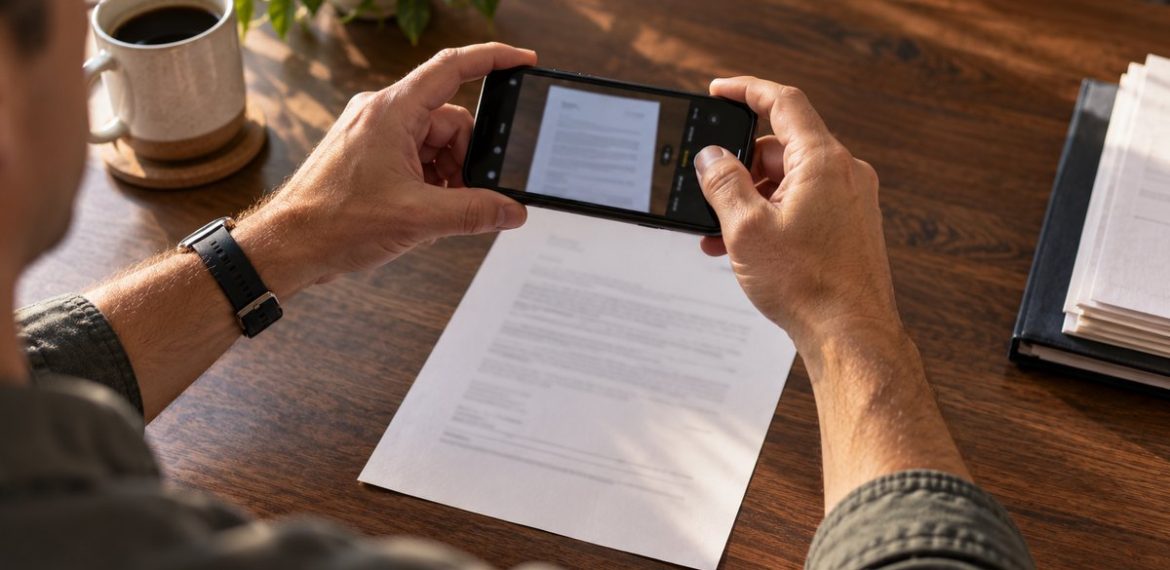
Scan documents straight into the Notes app
You do not need a scanner, and you do not need one of those free scanning apps that turns into a subscription. Your iPhone has a real document scanner built into Notes, and it is better than most of them.
Open Notes, start a new note, tap the paperclip attachment button above the keyboard, and choose Scan Documents. Hold the phone over the page. It finds the edges on its own and snaps automatically, then straightens the page and squares up the corners. Keep going to add more pages, then tap Save, which counts the pages as you go.
What makes it worth using over a photo is what it does afterward. Tap the scan and you can crop it, rotate it, or switch between color, grayscale, and black and white. Black and white on a text document produces a crisp, small file that looks like it came off a real scanner. You can even reopen a scan later and tap the add button to append more pages.
Then tap the share button and choose how it leaves: as a PDF into Mail, into Files, into Dropbox, or straight to a printer. Multi-page scans come out as one clean PDF, not a pile of loose images.
The part that surprises people is the search. Because Notes reads the text inside your scans, you can search for a word that only appears in a scanned receipt and it will find it. That turns a folder of scanned paperwork into something you can actually use later.

A few good habits: scan on a dark surface so the white page edges are easy for the camera to find, hold the phone parallel to the page rather than at an angle, and give each note a real title like “2026 vehicle registration” so it surfaces in a search.
The same scanner lives in Files and in Mail, so you can scan directly into a reply when someone asks you for a signed form. If you only need the words off a page, the same menu has Scan Text, which pours the text straight into the note. And Notes on a Mac can borrow your iPhone as the scanner: start the scan from a note there and the pages land right on the Mac.
You must be logged in to post a comment.