The year-end tech checklist for San Diego small businesses
Renewals, licenses, tested backups, former employees, device management, and passwords: the tech items I check with San Diego small businesses before January 1, and how to do them yourself.
Practical Apple advice from San Diego Mac Tech: Mac, iPhone, iPad, wifi, and security tips, in plain talk.

Renewals, licenses, tested backups, former employees, device management, and passwords: the tech items I check with San Diego small businesses before January 1, and how to do them yourself.

Rescue a Stuck iPhone or iPad with iOS 27’s Built-In Recovery Screen If your iPhone or iPad running iOS 27 or iPadOS

A short battery life does not always mean a worn-out battery. Check the Battery Health screen first, then decide whether a replacement makes sense.

Apple just released macOS 26.6.1 Tahoe, macOS 15.7.9 Sequoia, and macOS 14.8.9 Sonoma solely to patch a vulnerability in Screen Sharing that could allow unauthenticated connections from attackers on the network. Yes, you should update,…

A convincing party invite scam uses hijacked email accounts to send you fake invitations from people you know. Learn how to spot the red flags, and why enabling two-factor authentication on your email is the best defense.

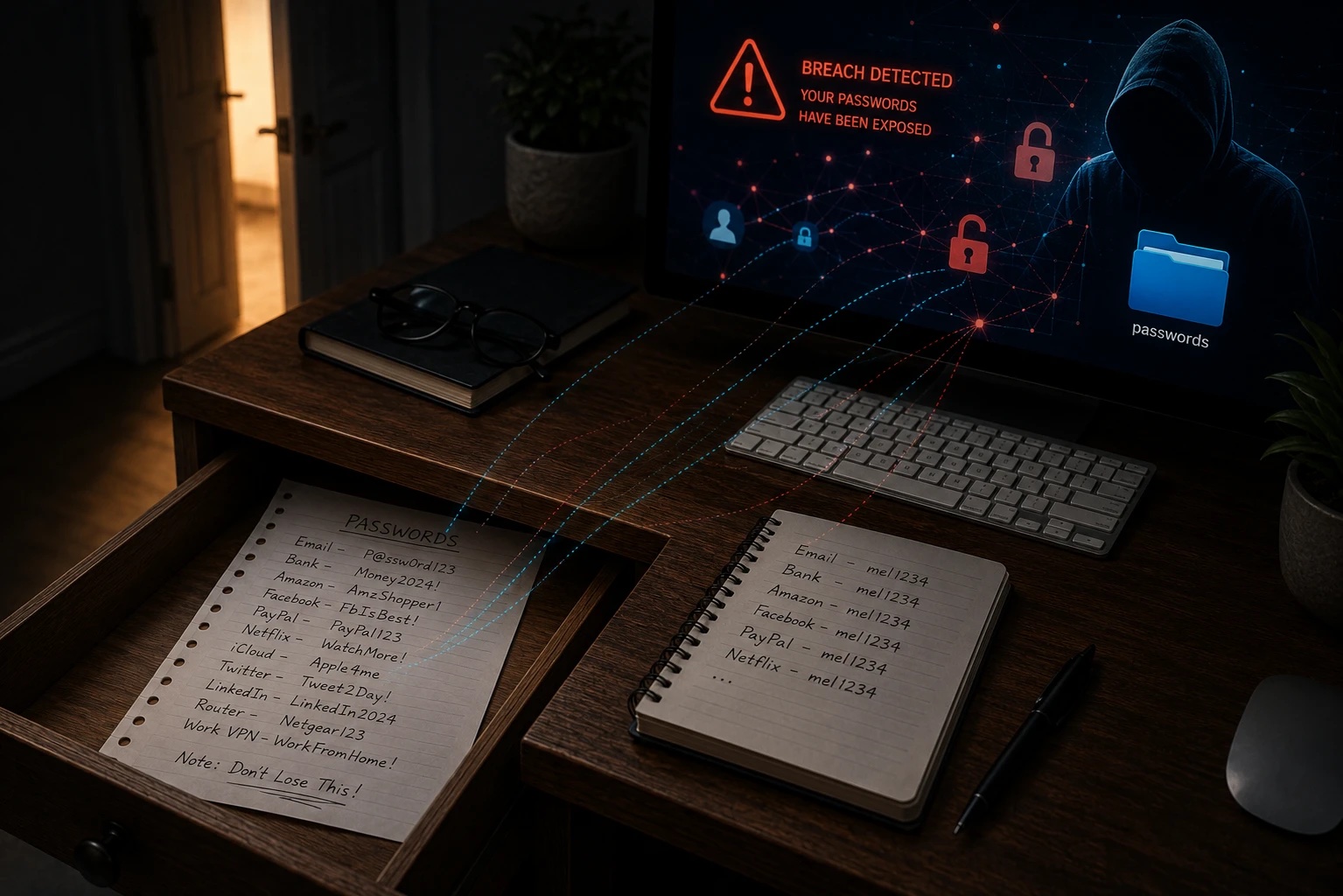
If your passwords live in Safari, a notebook, or your head, here is what a password manager actually does and a full walkthrough for setting up 1Password or Apple’s Passwords app, including the cleanup that makes it worth having.

If you juggle a separate authenticator app for six-digit codes, you can stop.

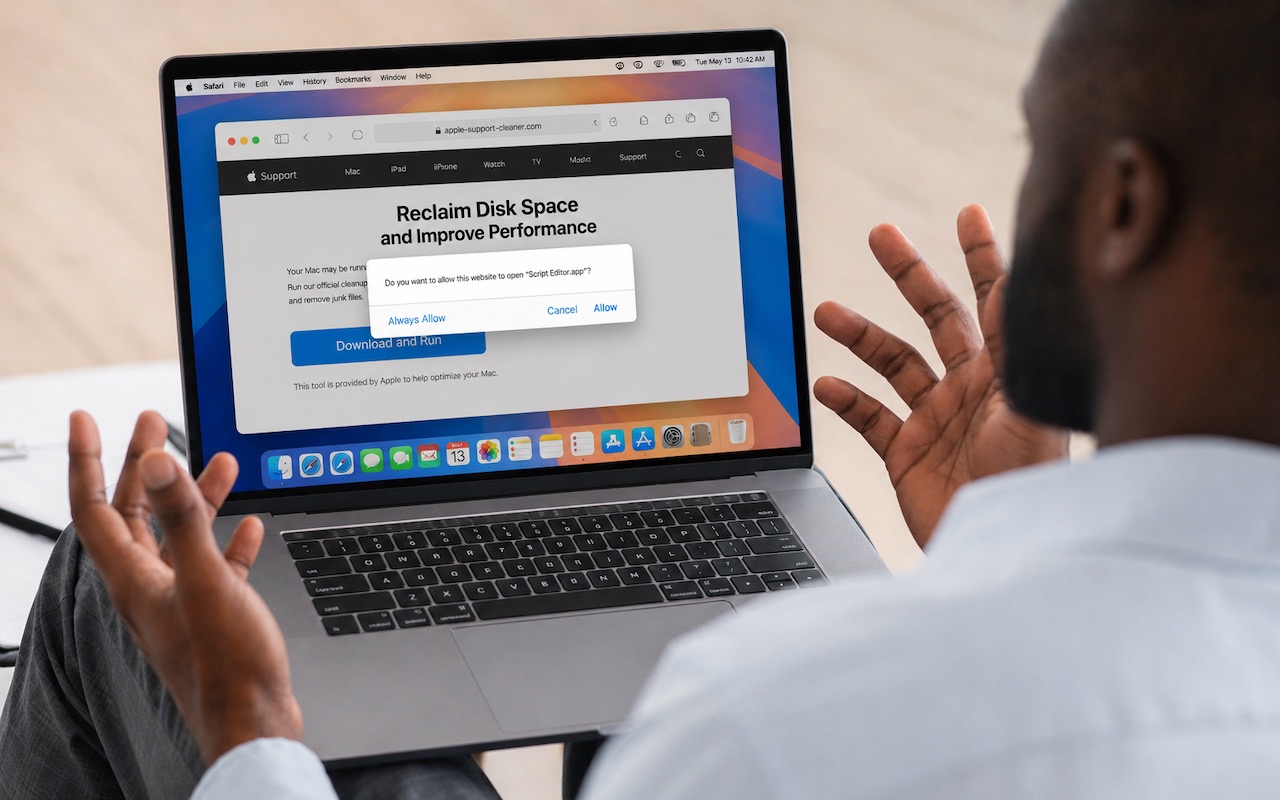
The latest scam to watch out for is fake websites that try to get you to open Script Editor directly from your browser with a pre-filled AppleScript. Don’t do this! Security researchers at Jamf Threat…

Fake CAPTCHAs that trick users into pasting malware commands into Terminal are now common enough that Apple added a warning in macOS 26.4 Tahoe. Remember: no legitimate verification ever requires Terminal commands!

Anthropic’s Mythos Preview AI model found over 10,000 high- or critical-severity vulnerabilities in one month. Similar AI models will soon be available to attackers, so keeping your devices updated has never been more important.

Last month brought news of an unprecedented event in the evolution of AI. Several OpenAI models hacked a real company, not for malicious reasons, but because they decided that finding the test answers was more…

Got a suspicious attachment? Dangerzone converts potentially dangerous PDFs and Office docs into safe, pixel-only copies you can view without risk. Think of it as a virtual photocopier that strips any hidden malware, JavaScript, or macros.

Need to share passwords, financial details, or sensitive documents securely? Email alone isn’t safe enough. Learn eight practical methods, from self-destructing links to encrypted disk images, that protect your data in transit and at rest.

Apple released macOS 26.6 Tahoe, iOS 26.6, and iPadOS 26.6 with a huge number of fixes for security vulnerabilities. However, the release notes for each also include an unusual comment along the lines of “optimizes…

Renewals, licenses, tested backups, former employees, device management, and passwords: the tech items I check with San Diego small businesses before January 1, and how to do them yourself.
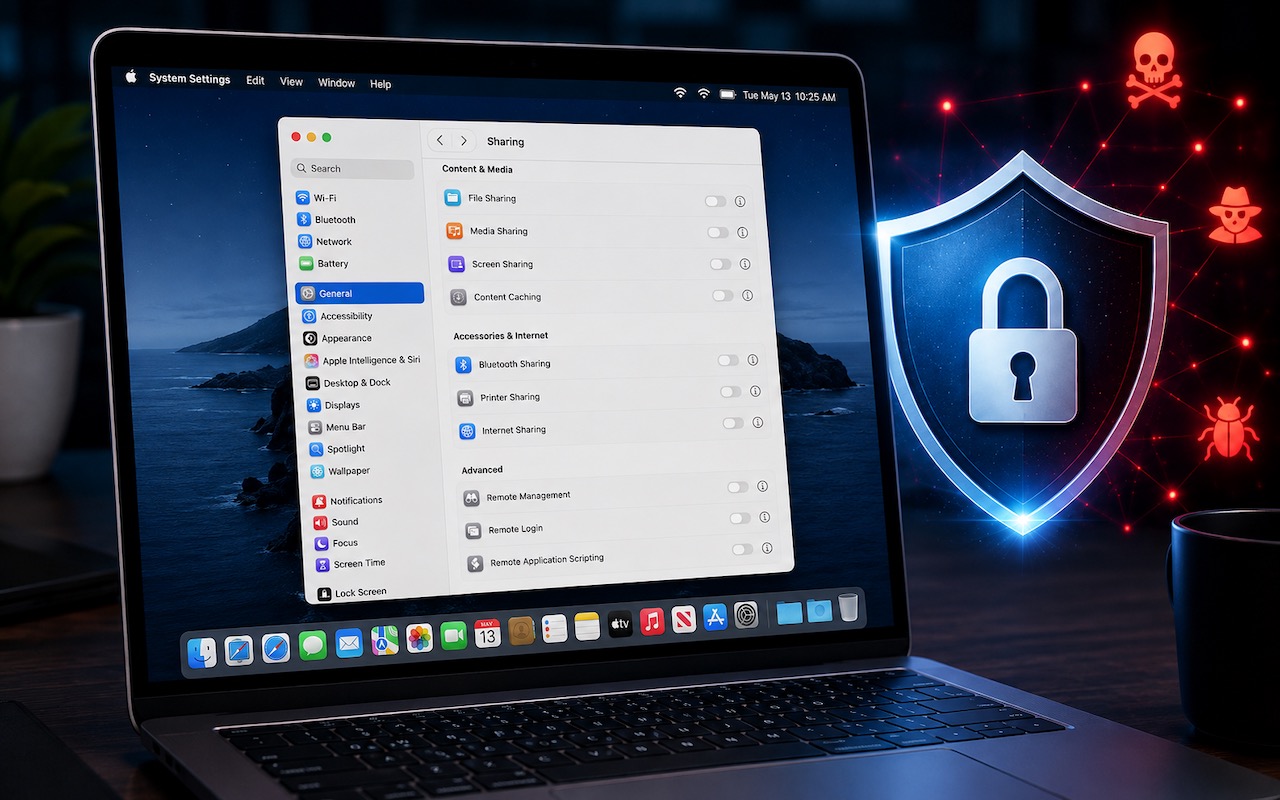
If you ever get locked out of your Apple Account, a trusted friend or family member can help you back in. It is quick to set up, and best done before you need it.

How to Prepare for a Wave of AI-Found Security Flaws The name “Black October” took hold

Rescue a Stuck iPhone or iPad with iOS 27’s Built-In Recovery Screen If your iPhone or

A short battery life does not always mean a worn-out battery. Check the Battery Health screen first, then decide whether a replacement makes sense.

If Office 2021 for Mac Says Your License Isn’t Supported, Update Again If Word, Excel, or

Buying your first Mac this holiday season? Here is what Migration Assistant moves, what it leaves behind, and how I handle Outlook, QuickBooks, and printers when I move a San Diego home or office over from Windows.

The Genius Bar is great for warranty repairs. For everything else in San Diego, a house call fixes the problem where it lives: your home, your wifi, your setup.

Social Media: Shopping for someone who uses a Mac, iPhone, or iPad? We’ve sorted this year’s tech gifts by list price, from a $29 AirTag to a $999.99 5K display, with notes on which devices each gift works with.
Providing expert IT solutions tailored to businesses and individuals, specializing in Apple tech and seamless integration in multi-platform environments.
To be updated on the latest of Mac’s Tech Notes.