That Sheet of Passwords in the Drawer Has to Go
Microsoft sent out a notice this week that it is retiring text message and phone call sign-in codes for its business accounts. By February 2027 those codes will be gone, replaced by passkeys, which resist phishing in a way a texted code never could. Microsoft’s reasoning was blunt: codes sent by text or voice are among the weakest protection available, and in the age of AI-powered attacks they no longer hold up.
When a company as big as Microsoft is willing to retire something as universal as the texted login code, that tells you how much the ground has shifted. And it shifted for the same reason everything else has lately: AI.
Attackers now feed billions of leaked passwords into AI tools that learn how people actually build them. The pet’s name plus the year. The capital letter up front, the exclamation point at the end. Passwords that would have taken years to crack a decade ago can fall in hours, because the software is no longer guessing blindly. It guesses the way you think. And the phishing emails that trick people into handing passwords over? AI writes those now too, in flawless English, with none of the typos that used to give them away.
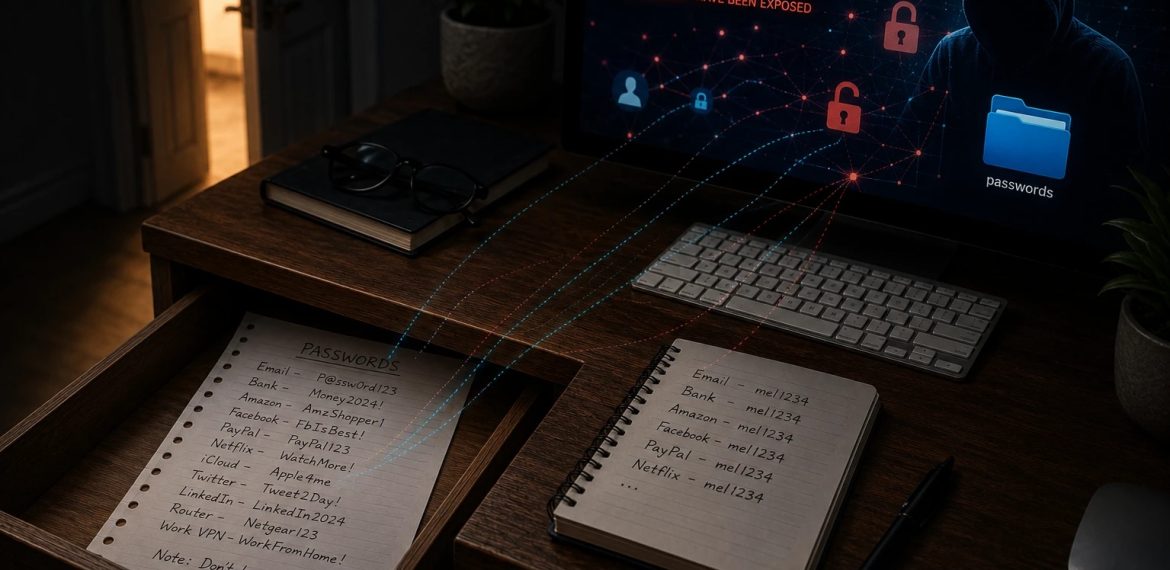
Meanwhile the demands on you keep growing. Twelve characters, then sixteen. A capital, a number, a symbol. A different one for every site. Nobody can memorize dozens of passwords like that, so people cope the old way: the sheet of paper in the desk drawer, the little notebook by the keyboard, the file on the desktop named “passwords,” the same favorite password recycled across twenty accounts with a different number at the end. That system was never great. In 2026 it is an open door.
There is a fix, and it solves the whole mess at once: a password manager.
A password manager is a vault that lives on your Mac, iPhone, and iPad. You memorize exactly one strong master password. The vault handles everything else: it creates a long, truly random password for every account, remembers it, and fills it in for you when you sign in. Every account gets its own password, so a breach at one company no longer unlocks your whole life. You stop typing passwords entirely, which also means a fake look-alike site can’t trick you into filling one in, because the manager only offers your password on the real site.
The one I recommend, and the one I set up for my clients, is 1Password. It works beautifully on Apple devices and in every browser, and just as well on Windows and Android if your household or office is mixed. Its Watchtower feature warns you when a site you use gets breached so you can change that one password right away. A family plan covers everyone under your roof, with shared vaults for the logins you both need and private vaults for the ones you don’t. And it stores passkeys too, so as Microsoft, Apple, and Google move the world toward passkeys, you are already holding them in one place instead of scattered across devices.
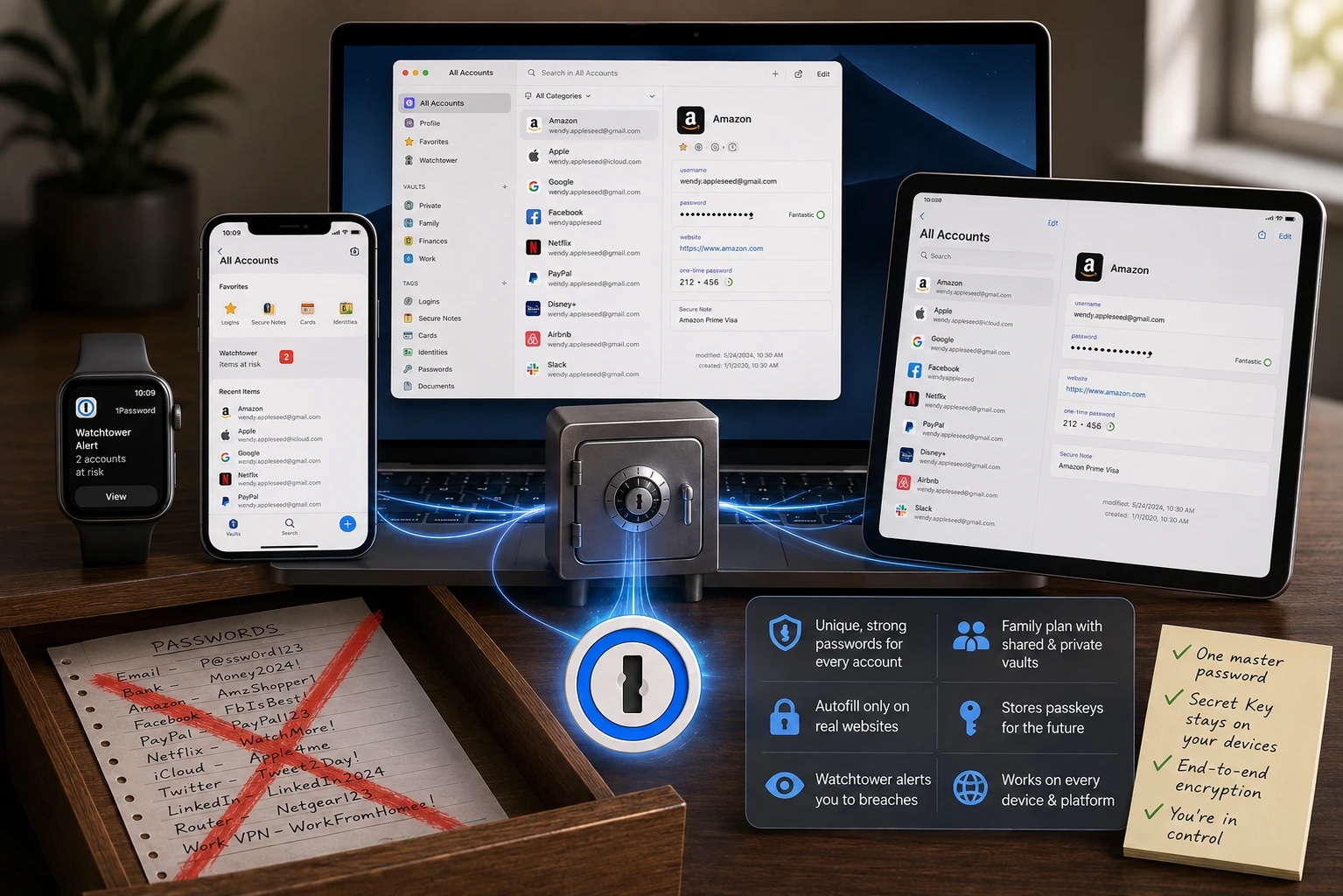
A fair question I hear on-site: doesn’t my iPhone already do this? Apple’s built-in Passwords app is decent, and it is far better than the drawer. But 1Password goes further on shared family access, breach monitoring, secure notes for things like Wi-Fi passwords and license keys, and working everywhere, not just on Apple devices.
The other question is the big one: what happens if the password manager itself gets hacked? This is where 1Password earns my recommendation. Your vault is locked with your master password plus a Secret Key that never leaves your own devices. Even if someone stole 1Password’s servers outright, what they would have is unreadable scrambled data. 1Password cannot read your passwords. Neither can anyone who breaks into 1Password.
Moving off the sheet is easier than you think. Install 1Password, import what you have, and then let it upgrade your weakest passwords one at a time as you sign in to things. I walk clients through this all the time, usually in a single visit, including getting it onto every device and making sure autofill works everywhere. If you are in San Diego and want a hand making the switch, get in touch. The drawer deserves better contents.
(Images generated by Mac McAhren with ChatGPT)
You must be logged in to post a comment.