
iPhone
Share your wifi password with guests in one tap
Skip reading a long wifi password out loud this holiday weekend. Your iPhone can send it to a guest’s iPhone with one tap, if a few settings are in place.
Skip reading a long wifi password out loud this holiday weekend. Your iPhone can send it to a guest’s iPhone with one tap, if a few settings are in place.

Renewals, licenses, tested backups, former employees, device management, and passwords: the tech items I check with San Diego small businesses before January 1, and how to do them yourself.
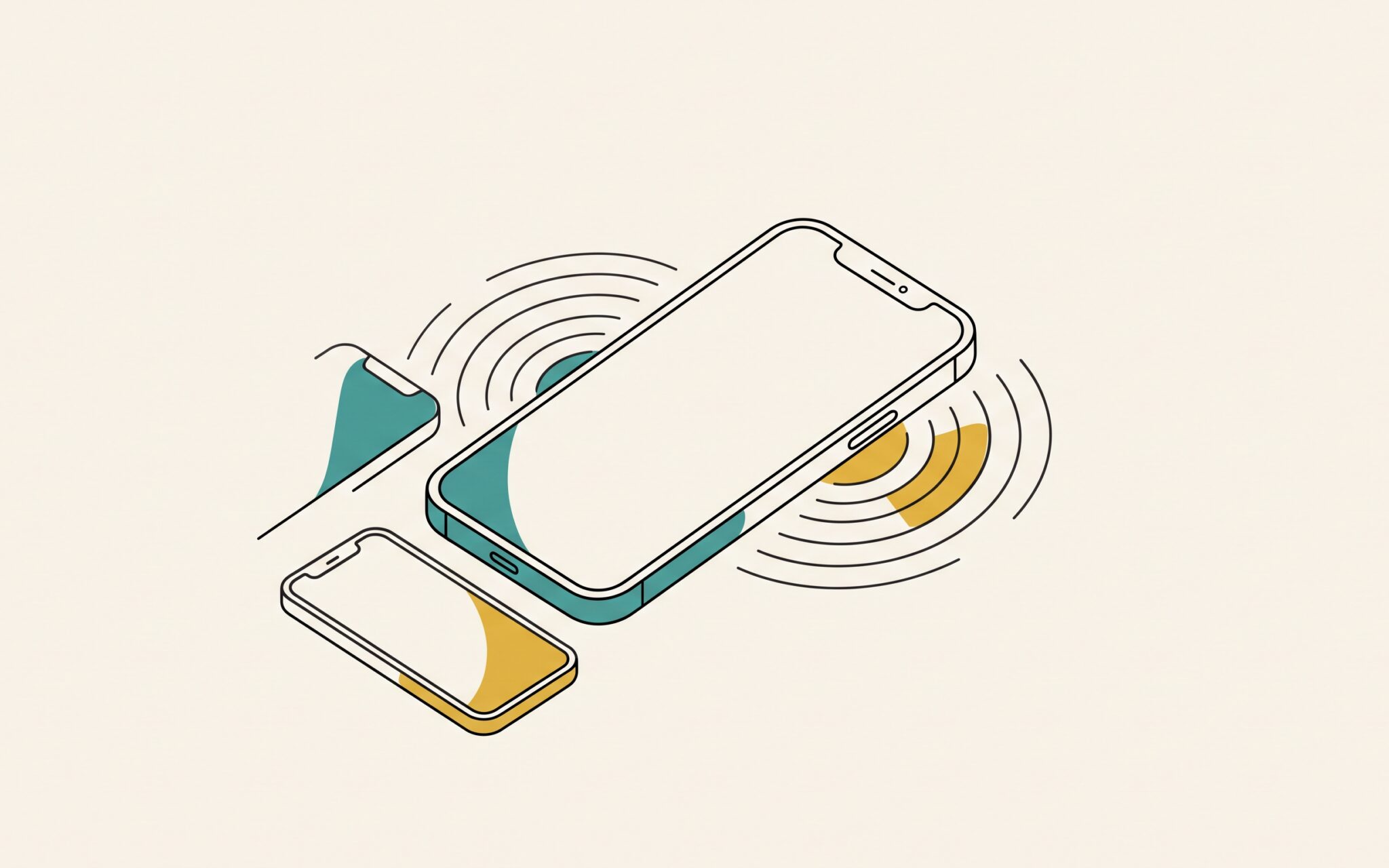
Rescue a Stuck iPhone or iPad with iOS 27’s Built-In Recovery Screen If your iPhone or iPad running iOS 27 or iPadOS

Deleting something on an Apple device almost never deletes it immediately.

Running low on Mac disk space? The free OmniDiskSweeper shows which files and folders are hogging your storage, sorted by size so you can quickly find and trash the biggest culprits.
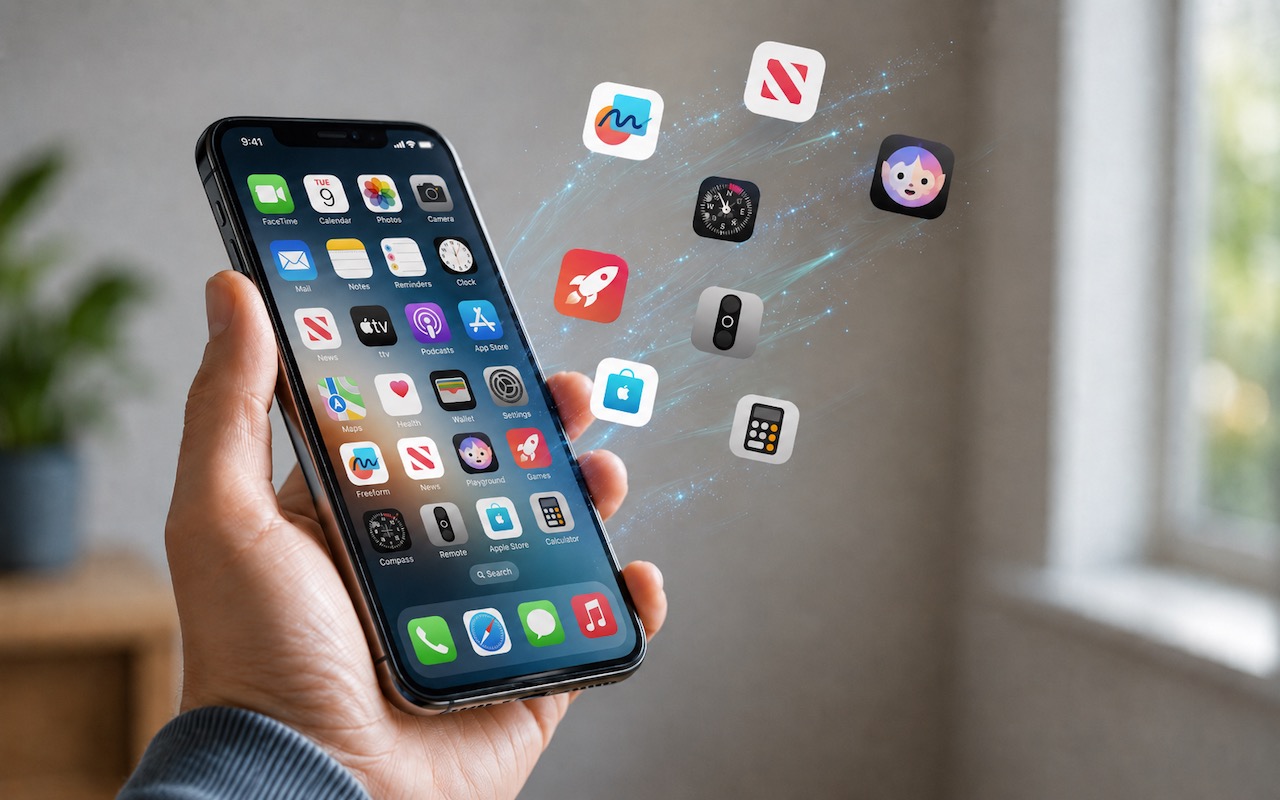
Automatic offloading of seldom-used apps can be a good strategy for recovering space on an iPhone whose storage is almost full, and iOS can do this for you in Settings > Apps > App Store…

If Bluetooth or pairing fails when you are booting into macOS Recovery, an old or cheap wired USB mouse and keyboard can save the day.

If you juggle a separate authenticator app for six-digit codes, you can stop.
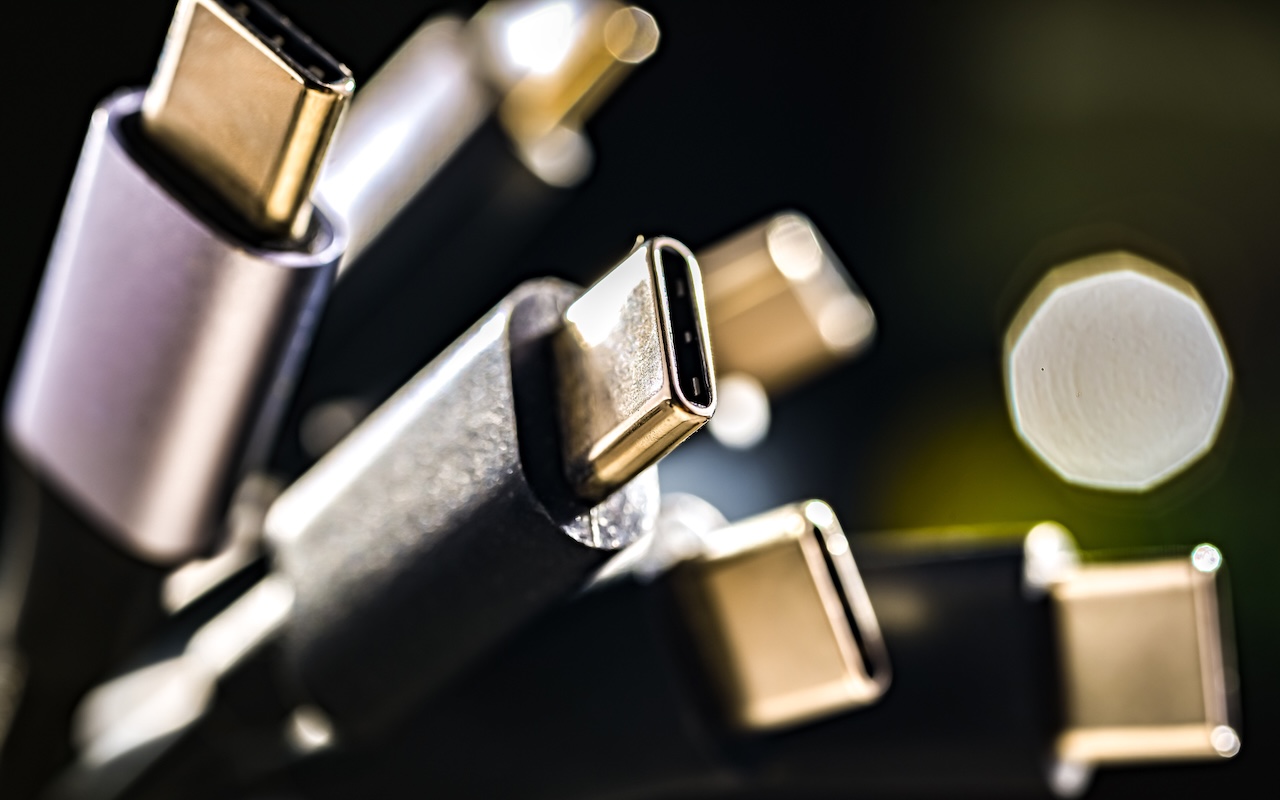
We’ve all ended up with a collection of random USB-C cables that arrived with devices, were purchased while traveling, or were left by visitors. But you can’t look at a cable to determine its data…

Every time you hand over your real email address for a coupon code or to read one article, you are trusting that company with it forever.

Is your Mac typing the wrong characters or rejecting your password? You may have accidentally switched keyboard layouts. Here’s how to check your input source and prevent it from happening again.

If you can work comfortably with the Mac’s four Finder views, you’ll enjoy an easier experience when you try to get to your folders and files. Each view has its pros and cons, so using…
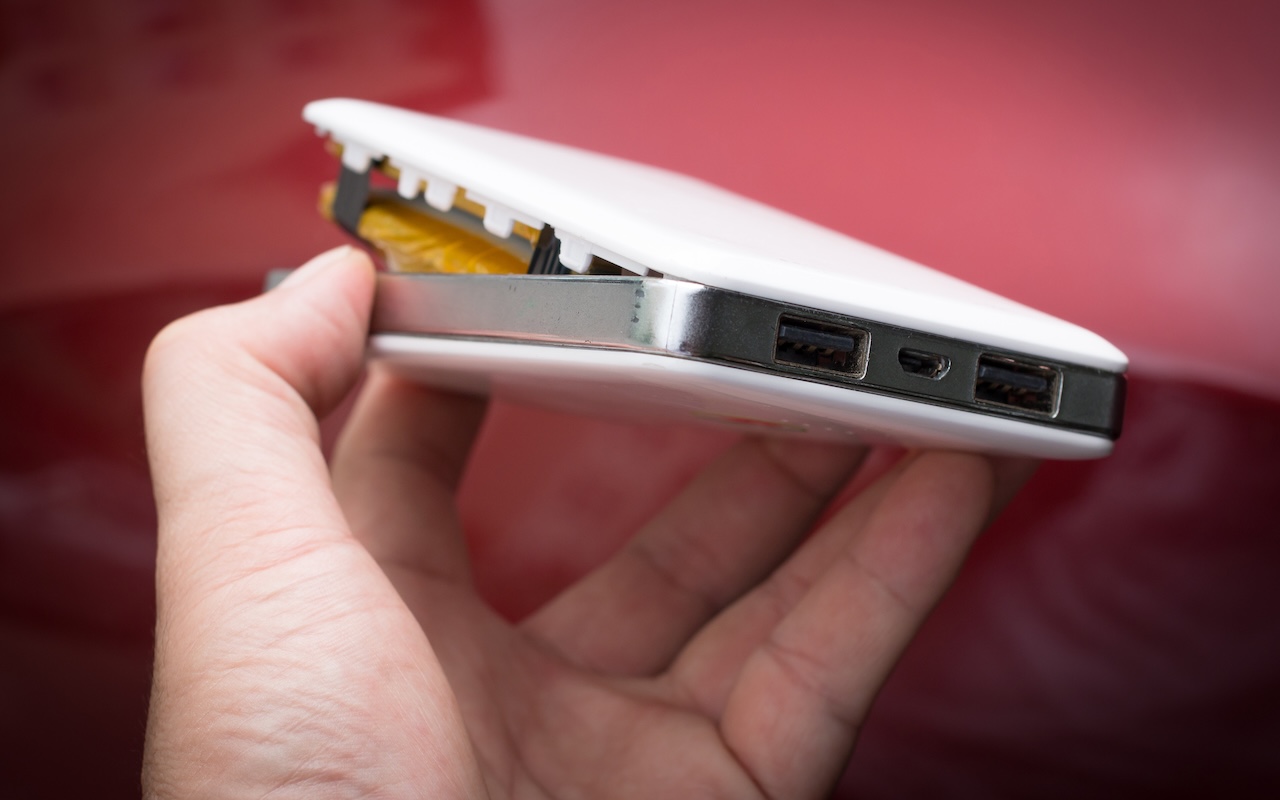
We always recommend buying from reputable manufacturers rather than no-name brands, especially for products with lithium-ion batteries, such as power banks, Bluetooth speakers, flashlights, power tools, e-bikes, and more. In a 2025 study, industrial scanning…

Silicon Valley thinks everyone wants to delegate writing to AI, which is why Apple Intelligence constantly suggests replies for you in Messages and Mail. But there’s an excellent way to supercharge your typing speed without…

Your AirPods can now double as a camera remote in iOS 26. Here’s how to set it up so a press or press-and-hold triggers the shutter to take a photo or start and stop a video.
Renewals, licenses, tested backups, former employees, device management, and passwords: the tech items I check with San Diego small businesses before January 1, and how to do them yourself.

If you ever get locked out of your Apple Account, a trusted friend or family member can help you back in. It is quick to set up, and best done before you need it.
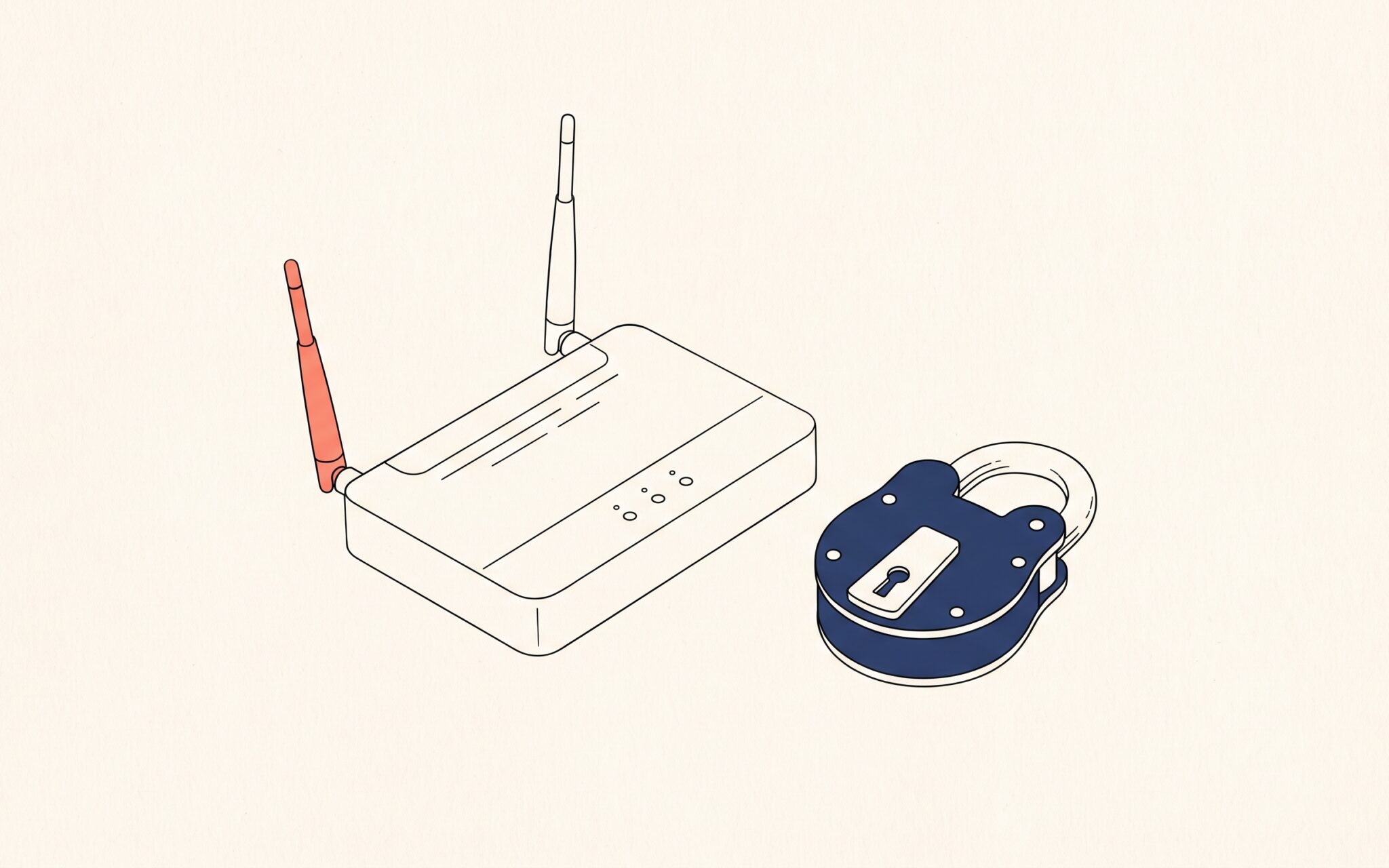
How to Prepare for a Wave of AI-Found Security Flaws The name “Black October” took hold
Skip reading a long wifi password out loud this holiday weekend. Your iPhone can send it to a guest’s iPhone with one tap, if a few settings are in place.
Rescue a Stuck iPhone or iPad with iOS 27’s Built-In Recovery Screen If your iPhone or

A short battery life does not always mean a worn-out battery. Check the Battery Health screen first, then decide whether a replacement makes sense.

Buying your first Mac this holiday season? Here is what Migration Assistant moves, what it leaves behind, and how I handle Outlook, QuickBooks, and printers when I move a San Diego home or office over from Windows.

The Genius Bar is great for warranty repairs. For everything else in San Diego, a house call fixes the problem where it lives: your home, your wifi, your setup.
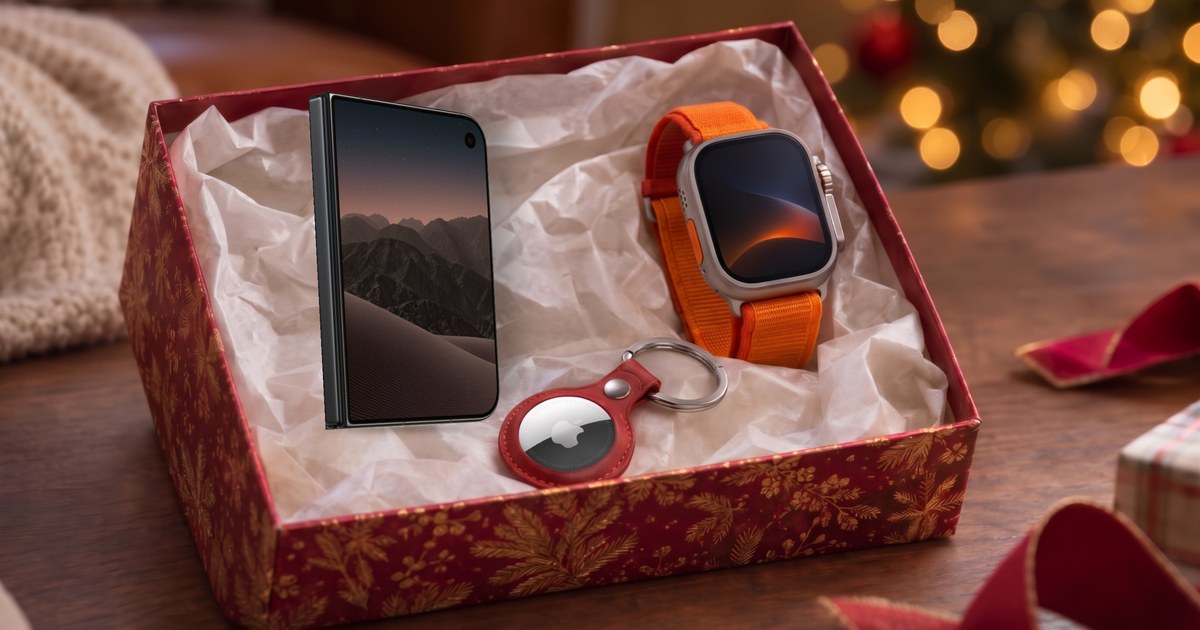
Social Media: Shopping for someone who uses a Mac, iPhone, or iPad? We’ve sorted this year’s tech gifts by list price, from a $29 AirTag to a $999.99 5K display, with notes on which devices each gift works with.