Tag: iPhone

Practical Apple advice from San Diego Mac Tech: Mac, iPhone, iPad, wifi, and security tips, in plain talk.

Hot This Month

Make Sure to Check Settings on Multiple Devices
iPad

Make Sure to Check Settings on Multiple Devices

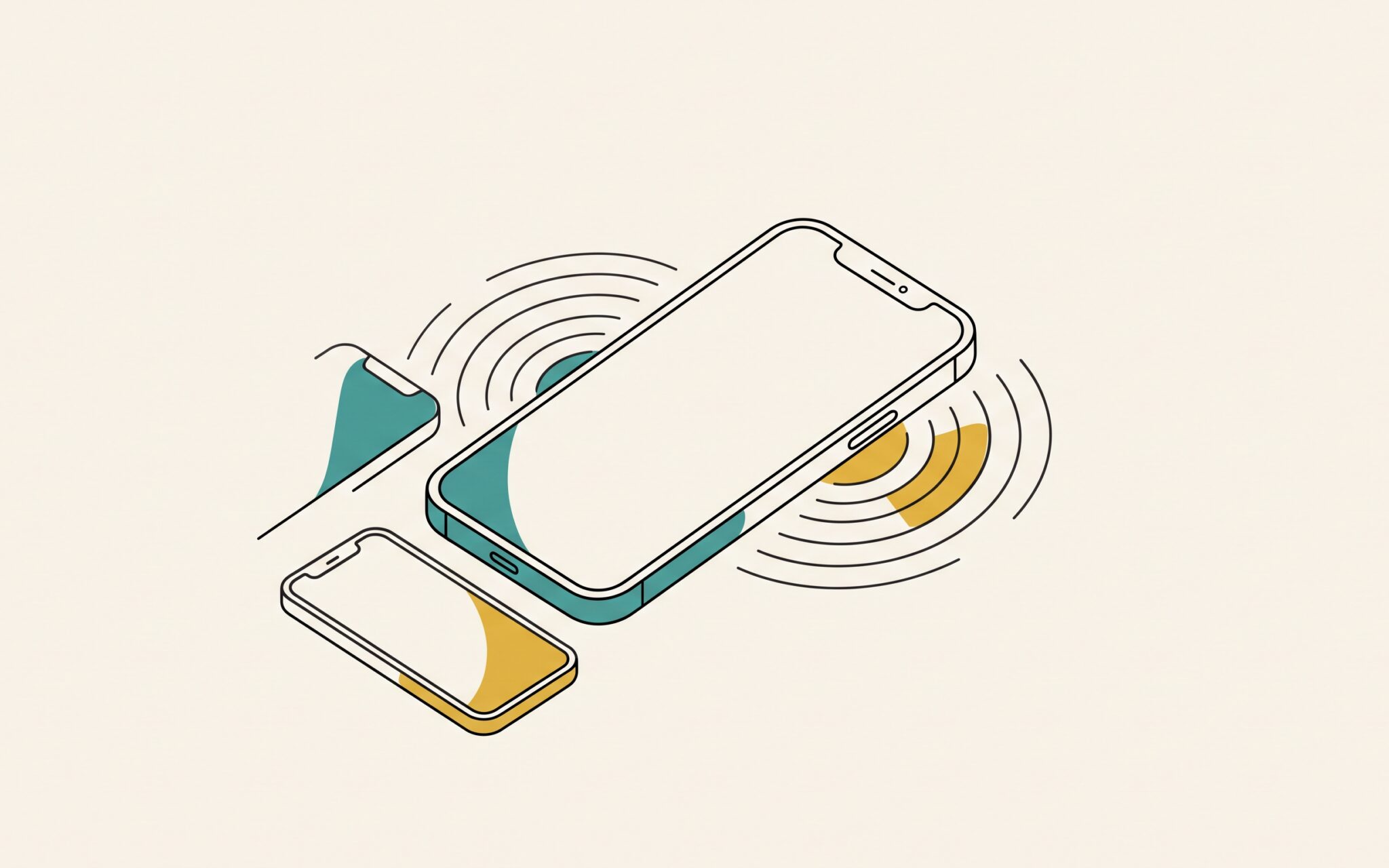
Is your app behaving differently on different devices? The culprit might be device-specific settings. To avoid frustration, check and synchronize your preferences across all devices to ensure consistent behavior where appropriate.

Read more
Did You Know You Can Rename Many Bluetooth Devices?
iPhone

Did You Know You Can Rename Many Bluetooth Devices?

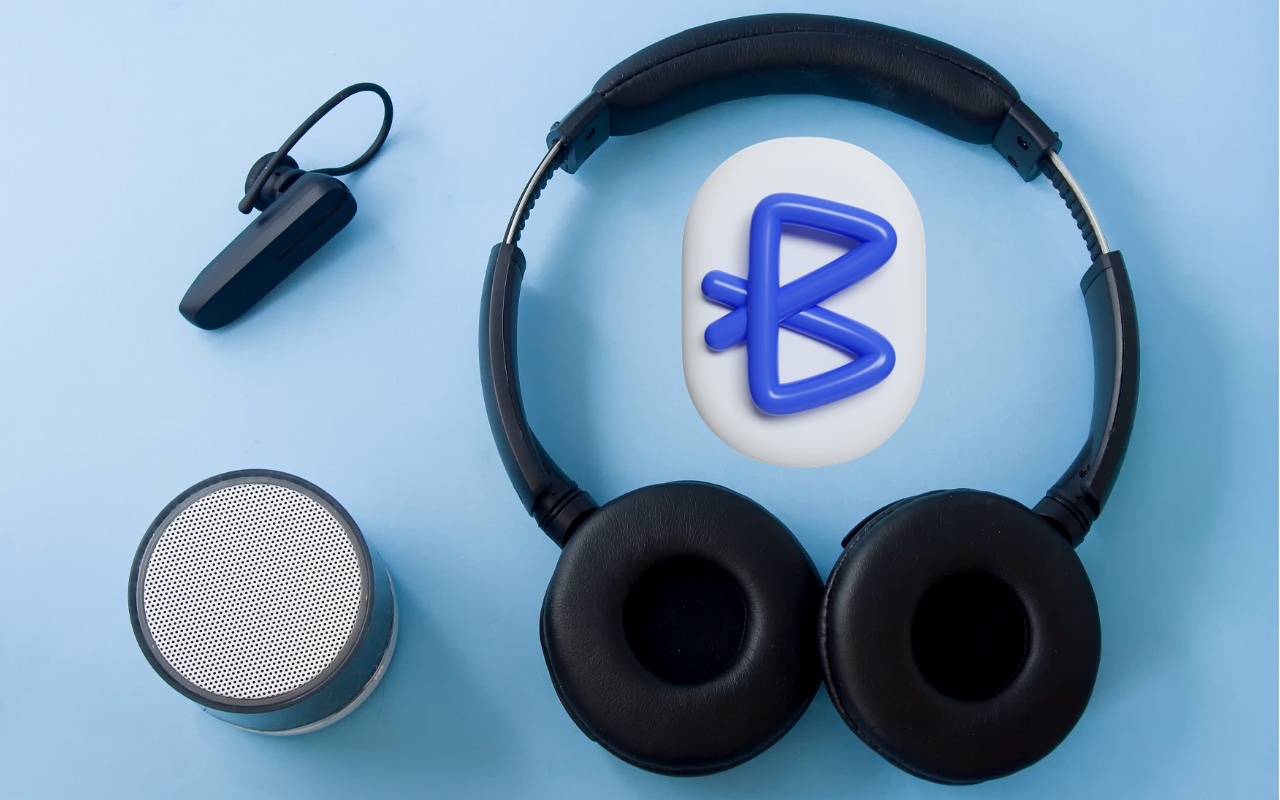
You don’t have to put up with your iPhone’s list of Bluetooth devices being cluttered with confusing factory default names. Most Bluetooth devices can be renamed, allowing you to, for example, change the name from “MY-CAR” to “Nissan Leaf.”

Read more

Security Precautions to Take While Traveling

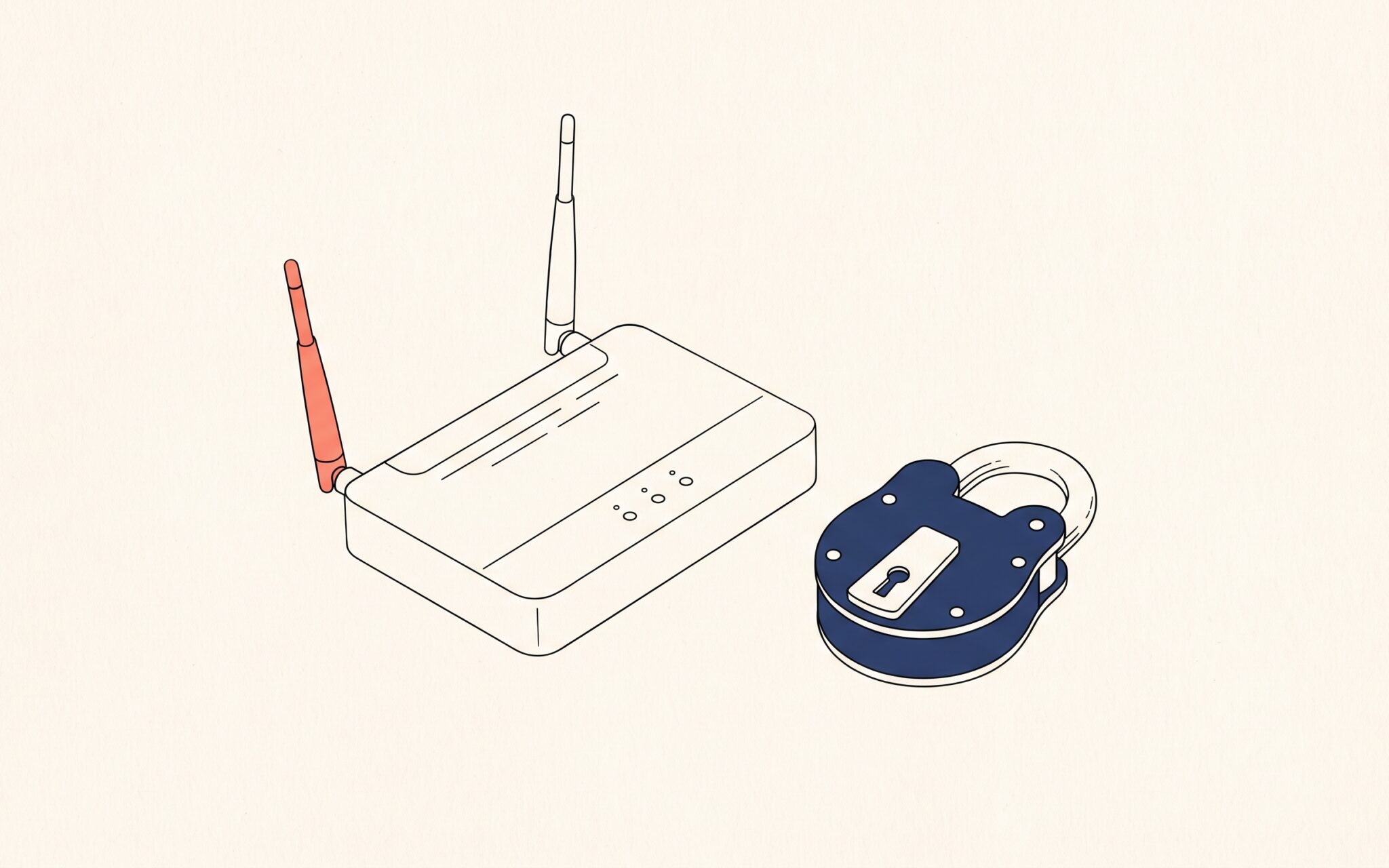
Security at home is one thing, but what about when you’re on the road? Many of the same precautions apply, but depending on your level of concern and where you’re going, additional techniques can help keep you and your data safe.

Read more

Collections

An open red and gold holiday gift box on a coffee table holding an iPhone Duo, an Apple Watch Ultra with an orange band, and an AirTag in a red leather key ring, with Christmas tree lights glowing in the background

Holiday Tech Gifts for Apple Users, by Price

Social Media: Shopping for someone who uses a Mac, iPhone, or iPad? We’ve sorted this year’s tech gifts by list price, from a $29 AirTag to a $999.99 5K display, with notes on which devices each gift works with.

Read more

SDMacTech

Providing expert IT solutions tailored to businesses and individuals, specializing in Apple tech and seamless integration in multi-platform environments.

Join Our Mailing List

To be updated on the latest of Mac’s Tech Notes.

SDMacTech · (858) 217-4609 · Mac@sdmactech.com · Serving all of San Diego County
© 2026 SDMacTech. All Rights Reserved.