The year-end tech checklist for San Diego small businesses
Renewals, licenses, tested backups, former employees, device management, and passwords: the tech items I check with San Diego small businesses before January 1, and how to do them yourself.
Practical Apple advice from San Diego Mac Tech: Mac, iPhone, iPad, wifi, and security tips, in plain talk.

Renewals, licenses, tested backups, former employees, device management, and passwords: the tech items I check with San Diego small businesses before January 1, and how to do them yourself.

Rescue a Stuck iPhone or iPad with iOS 27’s Built-In Recovery Screen If your iPhone or iPad running iOS 27 or iPadOS

A short battery life does not always mean a worn-out battery. Check the Battery Health screen first, then decide whether a replacement makes sense.

Is your app behaving differently on different devices? The culprit might be device-specific settings. To avoid frustration, check and synchronize your preferences across all devices to ensure consistent behavior where appropriate.

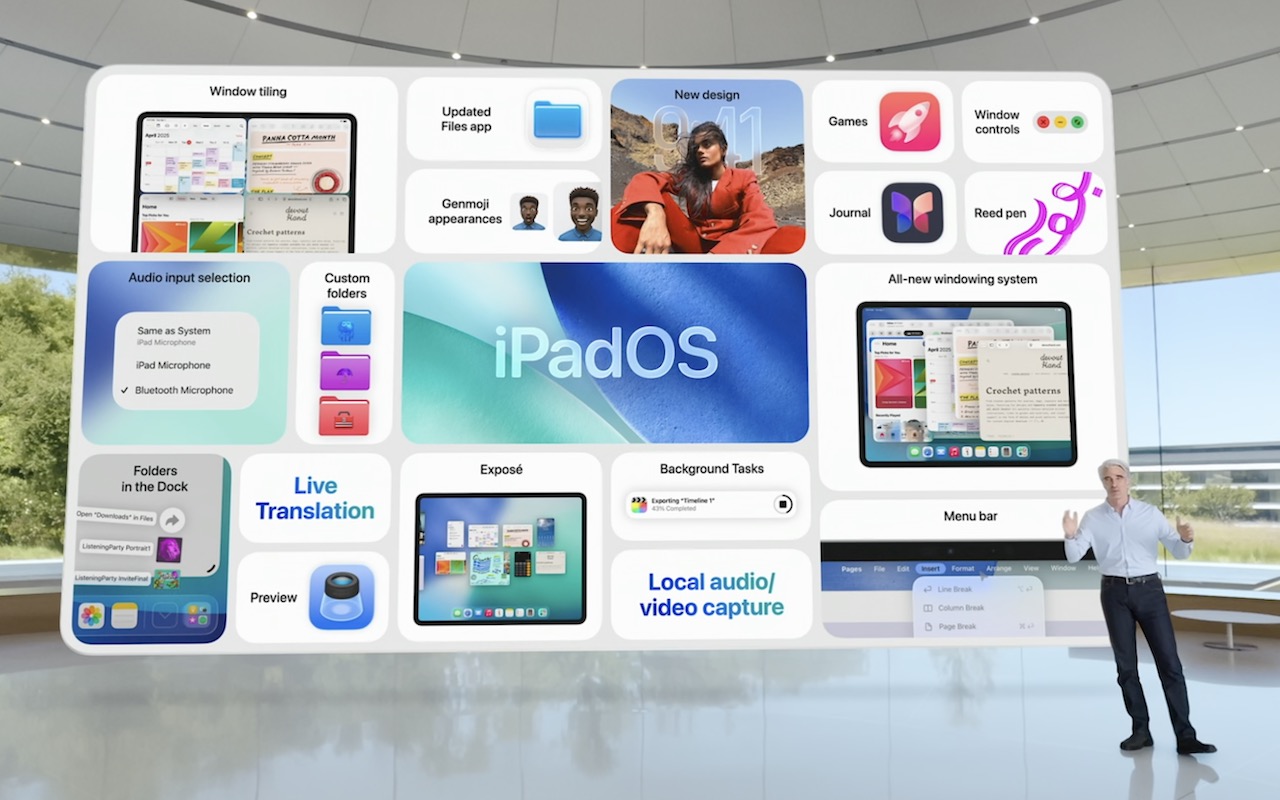
At its Worldwide Developer Conference, Apple unveiled the first major interface change to its operating systems in many years, along with a boatload of new features, many powered by Apple Intelligence. Here are a few of our favorites.

You don’t have to put up with your iPhone’s list of Bluetooth devices being cluttered with confusing factory default names. Most Bluetooth devices can be renamed, allowing you to, for example, change the name from “MY-CAR” to “Nissan Leaf.”

Make accessing your iPhone, iPad, and Mac easier for trusted family members by setting them up so they can use Touch ID or Face ID.
As our lives become increasingly digital, establishing boundaries through browser profiles enhances online organization. These profiles allow users to separate work and personal browsing, providing distinct settings, bookmarks, and logins. Although managing profiles is straightforward, they primarily serve organization rather than security, streamlining various online activities efficiently.
Security at home is one thing, but what about when you’re on the road? Many of the same precautions apply, but depending on your level of concern and where you’re going, additional techniques can help keep you and your data safe.

Want to demo something on a big screen? AirPlay can mirror your Mac’s display—or just specific windows—to an Apple TV-equipped TV or another Mac. It’s perfect for presentations, sharing content with a group, or increasing your screen space.

Renewals, licenses, tested backups, former employees, device management, and passwords: the tech items I check with San Diego small businesses before January 1, and how to do them yourself.

If you ever get locked out of your Apple Account, a trusted friend or family member can help you back in. It is quick to set up, and best done before you need it.

How to Prepare for a Wave of AI-Found Security Flaws The name “Black October” took hold

Rescue a Stuck iPhone or iPad with iOS 27’s Built-In Recovery Screen If your iPhone or

A short battery life does not always mean a worn-out battery. Check the Battery Health screen first, then decide whether a replacement makes sense.

If Office 2021 for Mac Says Your License Isn’t Supported, Update Again If Word, Excel, or

Buying your first Mac this holiday season? Here is what Migration Assistant moves, what it leaves behind, and how I handle Outlook, QuickBooks, and printers when I move a San Diego home or office over from Windows.

The Genius Bar is great for warranty repairs. For everything else in San Diego, a house call fixes the problem where it lives: your home, your wifi, your setup.

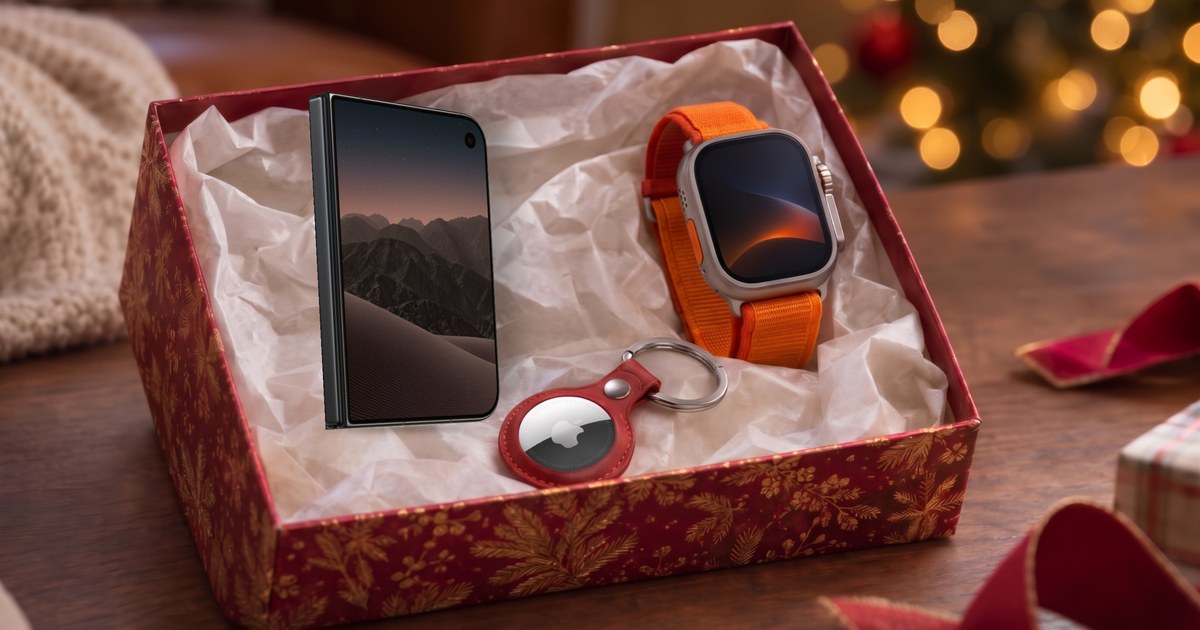
Social Media: Shopping for someone who uses a Mac, iPhone, or iPad? We’ve sorted this year’s tech gifts by list price, from a $29 AirTag to a $999.99 5K display, with notes on which devices each gift works with.
Providing expert IT solutions tailored to businesses and individuals, specializing in Apple tech and seamless integration in multi-platform environments.
To be updated on the latest of Mac’s Tech Notes.