

Prepare for macOS, iOS, and iPadOS OS 27 by Updating to 26.6
Apple released macOS 26.6 Tahoe, iOS 26.6, and iPadOS 26.6 with a huge number of fixes for security vulnerabilities. However, the release notes for each also include an unusual comment along the lines of “optimizes…
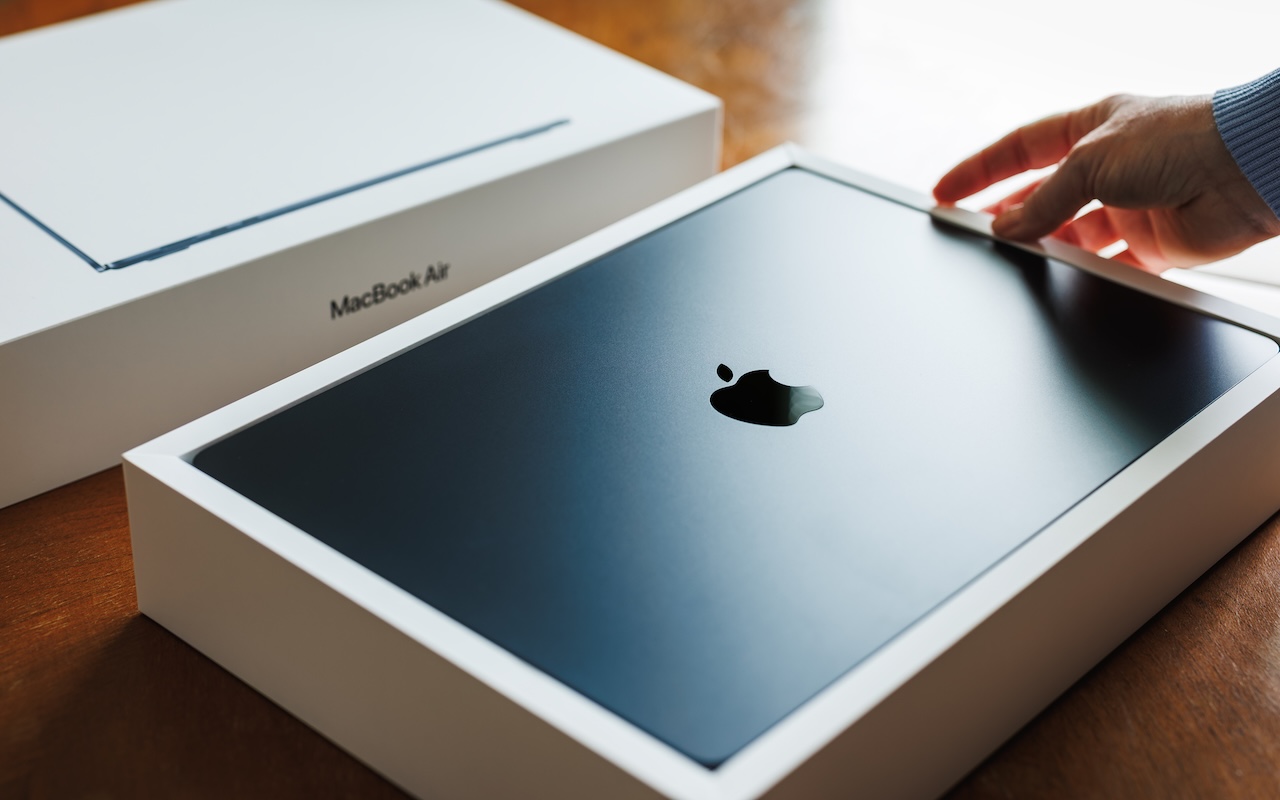
Choosing the Best Mac for a College-Bound Student in 2026
Which Mac is best for a college student now? The 13-inch or 15-inch M5 MacBook Air hits the sweet spot of performance, portability, and price. If budget is a constraint, consider the MacBook Neo; for more power, choose the 14-inch MacBook Pro.
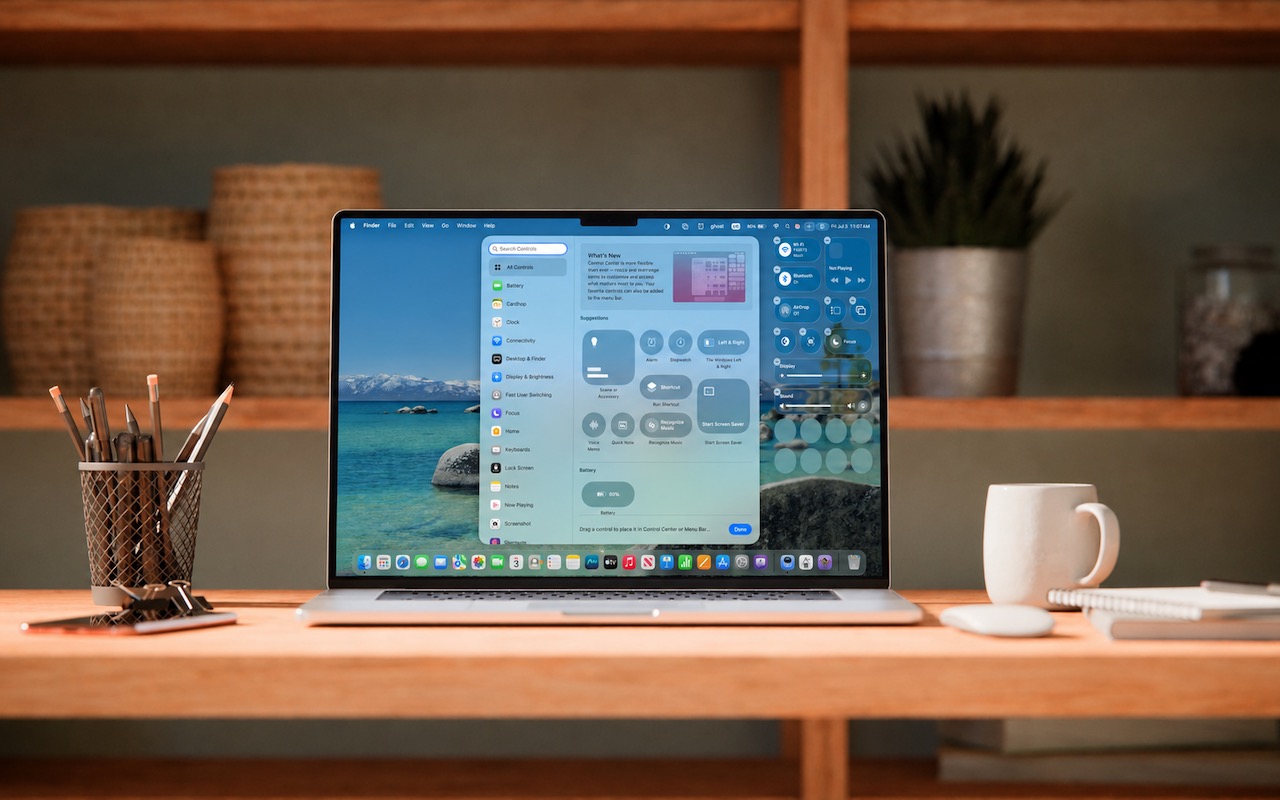
Control Center Is Improved and Highly Customizable in macOS 26 Tahoe
Stop wasting menu bar space. macOS 26 Tahoe’s revamped Control Center lets you add, remove, resize, and rearrange controls, including third-party ones, to fit your needs.

Make Sure to Check Settings on Multiple Devices
Is your app behaving differently on different devices? The culprit might be device-specific settings. To avoid frustration, check and synchronize your preferences across all devices to ensure consistent behavior where appropriate.
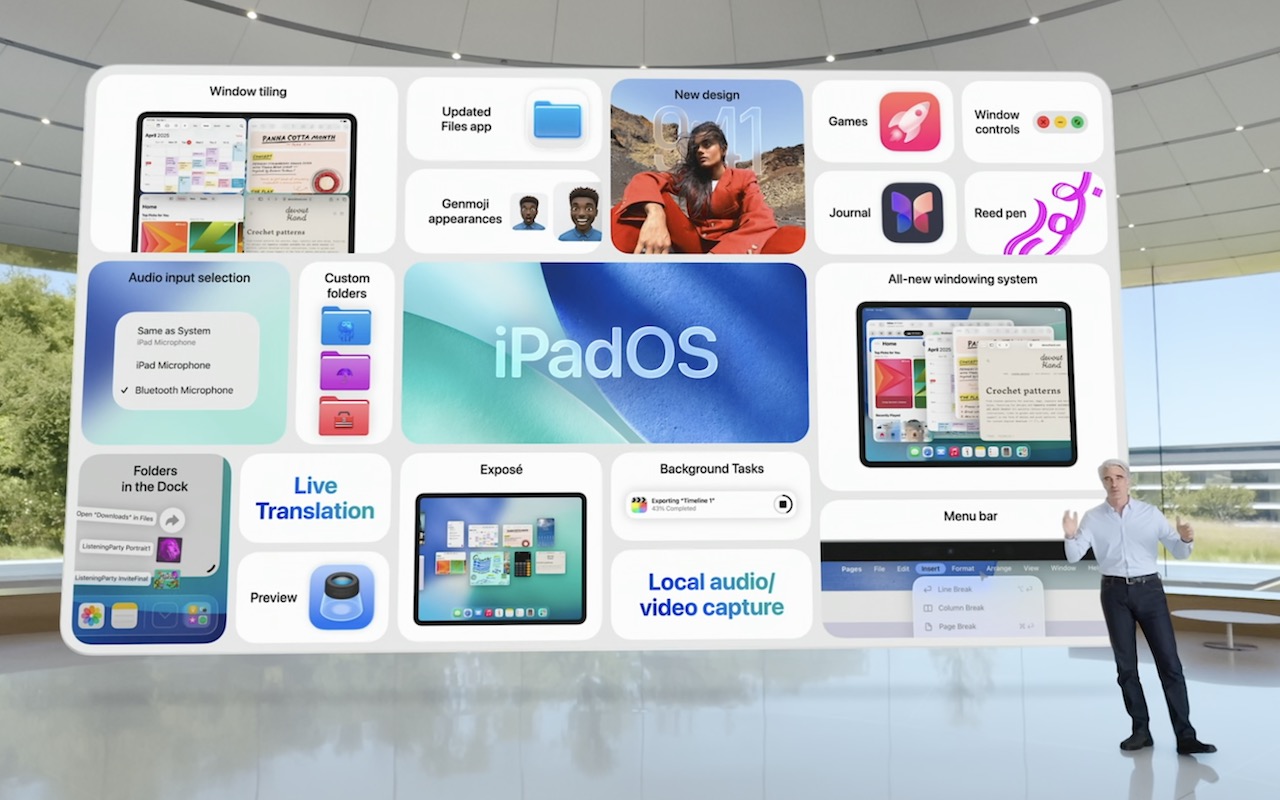
At WWDC 2025, Apple Unveils Liquid Glass and Previews New OS Features
At its Worldwide Developer Conference, Apple unveiled the first major interface change to its operating systems in many years, along with a boatload of new features, many powered by Apple Intelligence. Here are a few of our favorites.
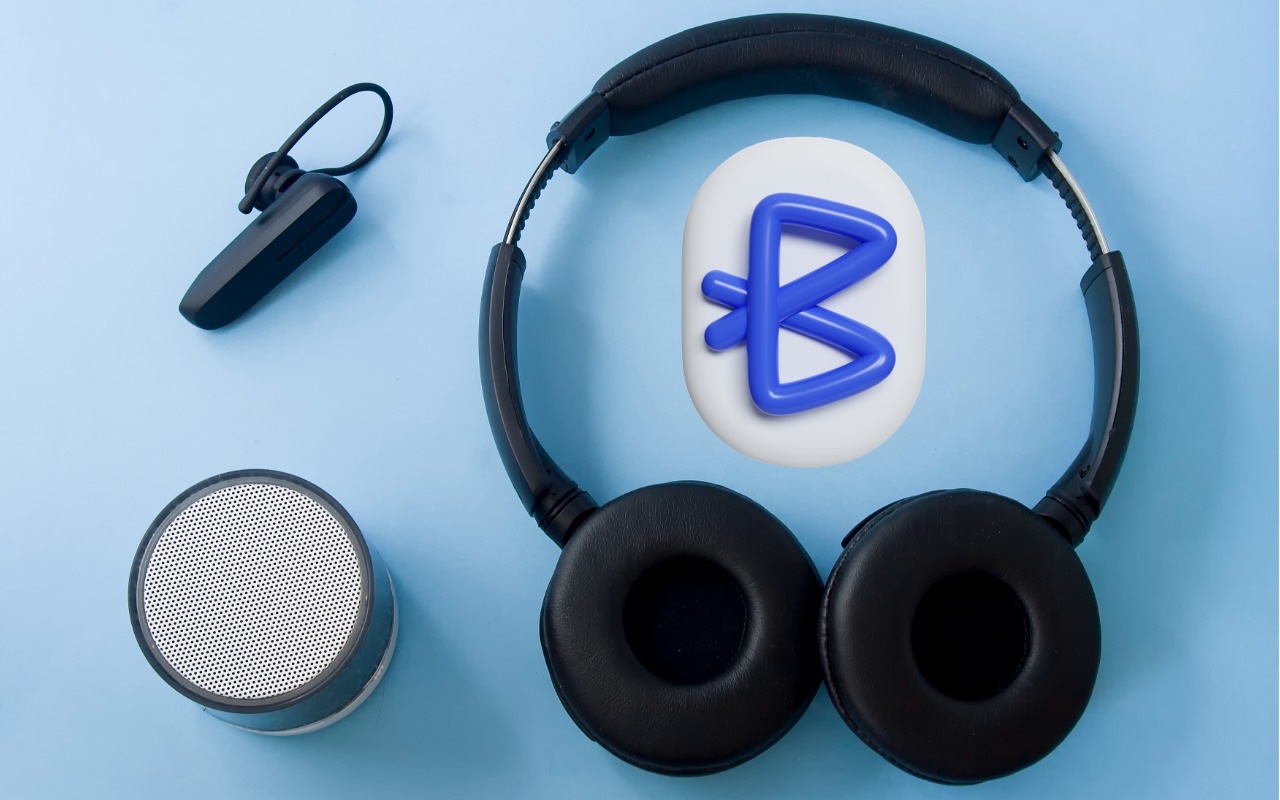
Did You Know You Can Rename Many Bluetooth Devices?
You don’t have to put up with your iPhone’s list of Bluetooth devices being cluttered with confusing factory default names. Most Bluetooth devices can be renamed, allowing you to, for example, change the name from “MY-CAR” to “Nissan Leaf.”

Make Apple Devices Easier for Family to Access with Secondary Biometrics
Make accessing your iPhone, iPad, and Mac easier for trusted family members by setting them up so they can use Touch ID or Face ID.
Keep Your Browsing Organized with Browser Profiles
As our lives become increasingly digital, establishing boundaries through browser profiles enhances online organization. These profiles allow users to separate work and personal browsing, providing distinct settings, bookmarks, and logins. Although managing profiles is straightforward, they primarily serve organization rather than security, streamlining various online activities efficiently.
Security Precautions to Take While Traveling
Security at home is one thing, but what about when you’re on the road? Many of the same precautions apply, but depending on your level of concern and where you’re going, additional techniques can help keep you and your data safe.
Use AirPlay to Mirror or Extend Your Mac’s Display
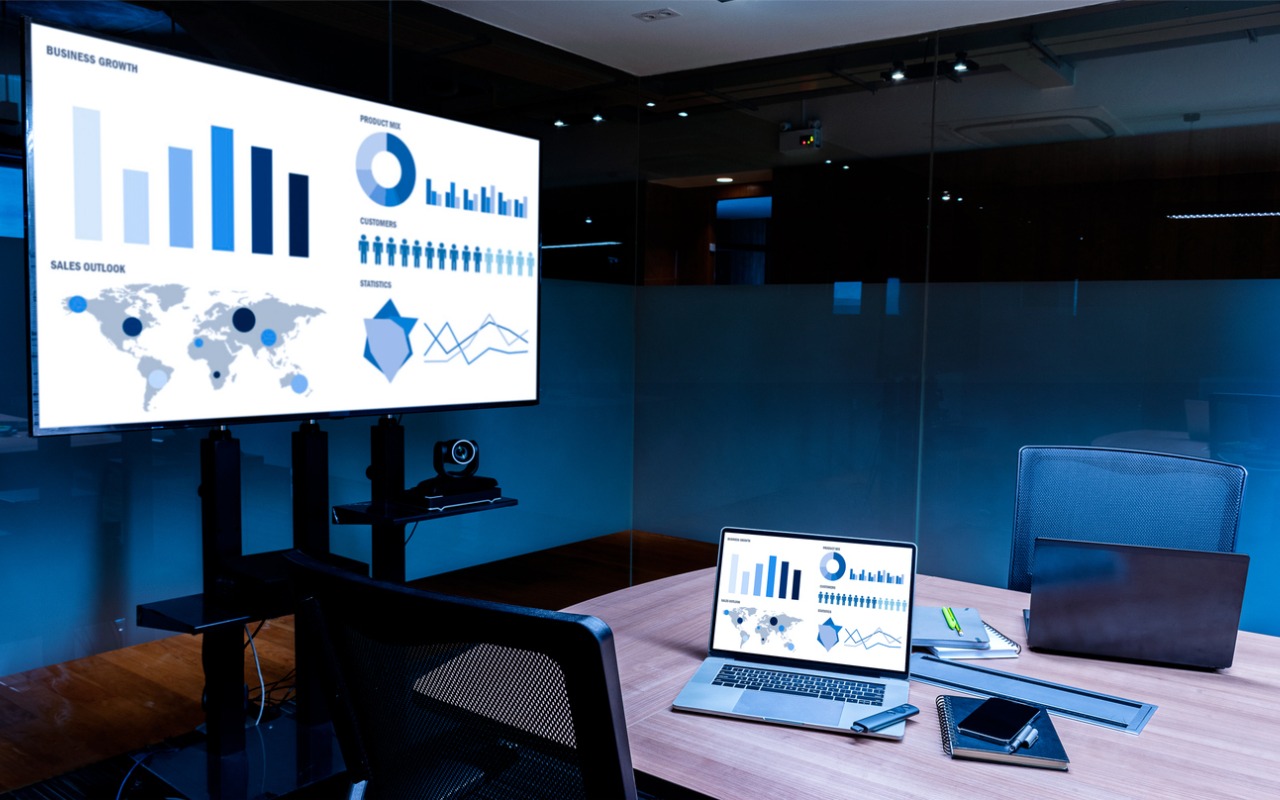
Want to demo something on a big screen? AirPlay can mirror your Mac’s display—or just specific windows—to an Apple TV-equipped TV or another Mac. It’s perfect for presentations, sharing content with a group, or increasing your screen space.