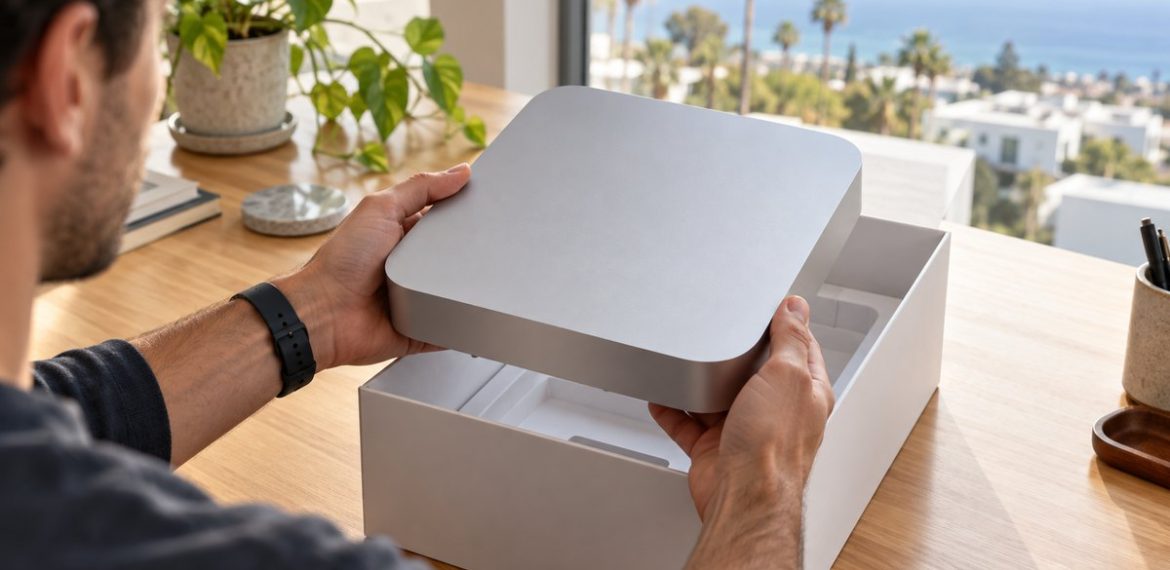
New Mac Setup in San Diego, Done Right: What I Do Before You Ever Touch the Keyboard
A new Mac out of the box is a beautiful thing. A new Mac three weeks later, with half your files still on the old machine, no backup, and a password scribbled on a sticky note, is how most of my rescue calls start. Setting up a Mac properly takes more than clicking through Setup Assistant, and it pays for itself for years. Here’s my checklist.
Migration, done completely
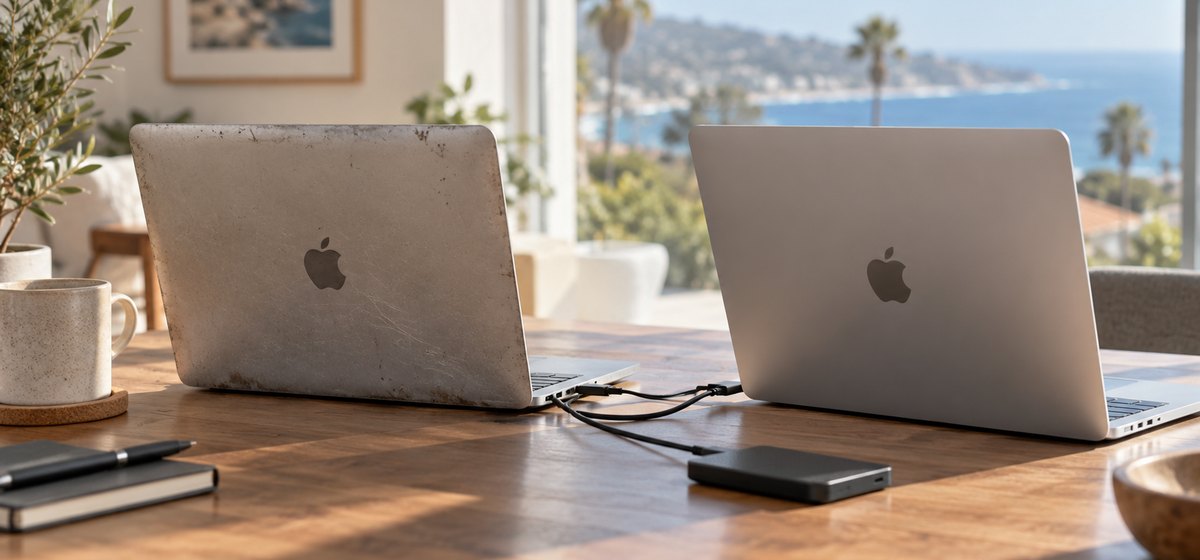
Everything comes over: files, photos, mail, bookmarks, the works, including the fiddly pieces like Adobe apps and accounting software data, with any licenses that need reactivating handled before I leave. The number one regret I hear is “I thought I’d copy things over as I needed them.” Nobody ever does, and six months later the old Mac won’t boot. I migrate it all, verify it opens on the new machine, and only then wipe the old one for trade-in, sale, or hand-me-down, signed out of everything so it can’t come back to haunt you.
Backup before anything else
The first accessory every new Mac needs is a backup. Time Machine to a drive or a Synology NAS, plus an offsite copy for the things you can’t replace. A new Mac with no backup is a countdown clock.
Security from day one
FileVault on. A real password in a real password manager. Two-factor set up on your Apple Account with recovery options that actually reach you. Find My on. It takes about ten minutes and covers the problems I clean up most often.
The comfort pass
This is the part people don’t expect: I set the Mac up for how you work. The Dock arranged, the scroll direction you’re used to, your printer connected, your email signed in, the apps you actually use installed and updated. When I leave, your Mac is ready for your first real day of work on it.
Buying soon?
If a new Mac is on your list, read my take on the new Mac mini, then have me set it up right the first time. I do setup visits across San Diego County; most run a few hours. Book a setup visit or call (858) 217-4609.
You must be logged in to post a comment.