
Share a grocery list that updates for the whole family
The photo of a handwritten list, the text that says “also get milk,” the argument in aisle six about whether someone already bought eggs. All of that goes away with a shared list in Reminders, and it takes two minutes to set up.
Open Reminders, tap the new list button, name it Groceries, pick a color, and save. Then open the list, tap the three-dot menu at the top, choose Share List, and send the invitation by Messages to whoever shops in your house. They tap the link and they are in.
From then on, everyone sees the same list on their own phone, updating live. Someone at home adds tortillas while you are standing in the store, and it appears in your hand. Tick something off and it disappears for everyone, so nobody buys a second gallon of milk.
Two things make it genuinely good rather than just shared. First, turn on grocery sorting: tap the three dots at the top of the list, choose Show List Info, and set the list type to Groceries. You can also pick that type when you first create the list. Reminders then sorts everything into Produce, Dairy, Frozen Foods, and so on by itself, so you shop one section at a time instead of crossing the store six times.
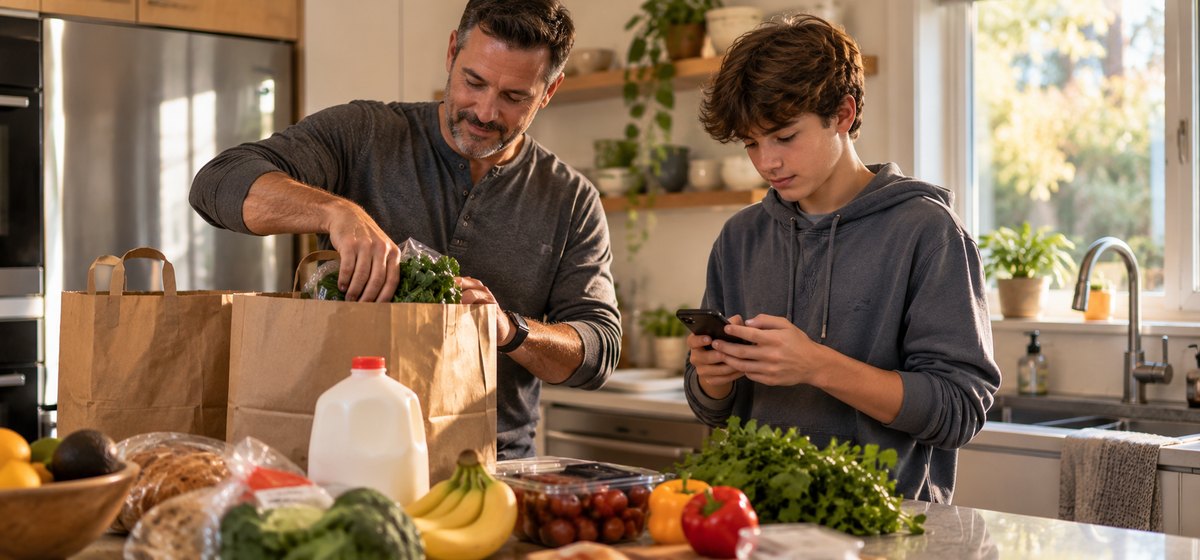
Second, add by voice. Say “Hey Siri, add avocados to my grocery list” from anywhere, including your Apple Watch or CarPlay, and it lands on the shared list. Siri will read it back in the car, too: just ask “Read my grocery list.” If items keep landing in the wrong place, set your default list in Settings, Apps, Reminders.
Two extras worth knowing. You can assign an item to a specific person, which is how the person heading to the hardware store gets only their items. And any single item can carry a location alert: open its details, turn on Location, and your phone nudges you about it when you actually arrive at the store. Both of those live in the app itself; Siri cannot share a list or assign an item.
The same approach works for a packing list, a home projects list, or a shared work punch list.
You must be logged in to post a comment.