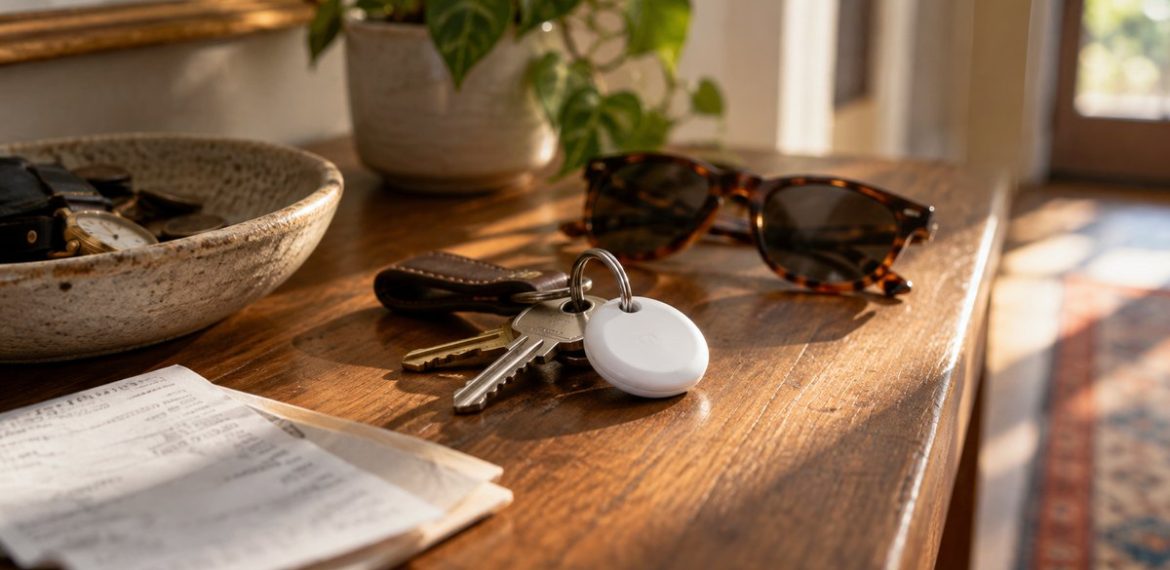
Name and share your AirTags with the whole household
Most people set up an AirTag, put it on their keys, and never touch the settings again. Two minutes of setup makes them far more useful.
First, name them properly. In the Find My app, tap Items, tap the AirTag, swipe up, and tap Rename Item. Skip the generic emoji-and-label list, choose Custom Name, and type something real: “Michelle’s car keys” or “Finn’s backpack” rather than “Keys.” When you are searching for one of five tags at 7 a.m., specific names matter.
Second, share them. This is the feature people miss. Open the AirTag in Find My, scroll to Share This AirTag, and add up to five people. Everyone you share with can see the location and use Precision Finding to walk right to it. That means your spouse can find the car keys without your phone, and either of you can find the luggage. Sharing does not give away your own location, only that item’s. A quiet bonus: once someone accepts, their iPhone stops warning them about an unknown AirTag traveling with them when they take your tagged keys somewhere.
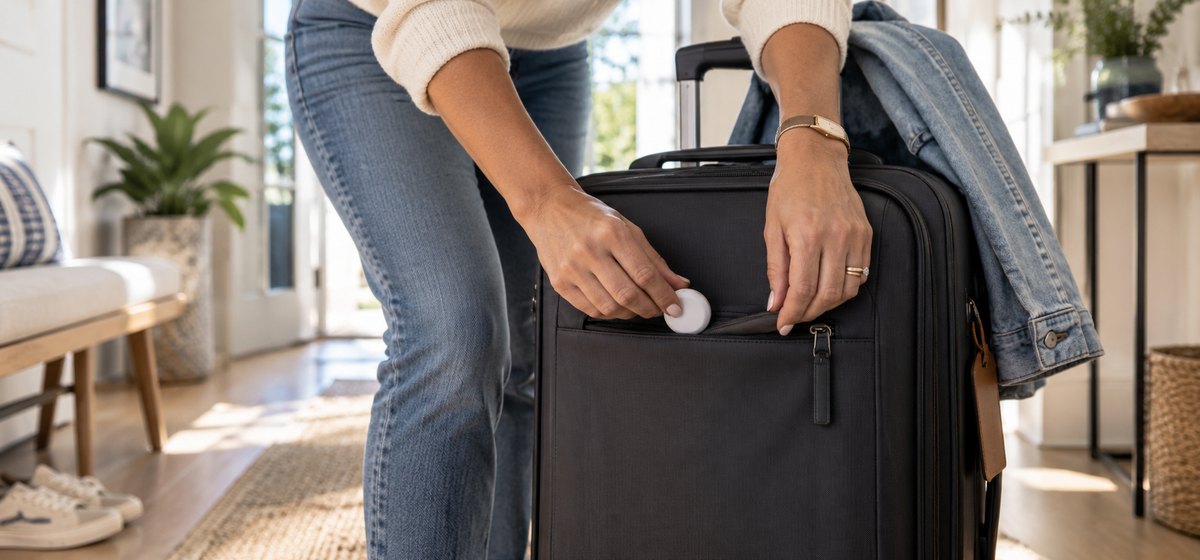
Third, set Notify When Left Behind. On the AirTag’s screen in Find My, turn that on and your phone alerts you if you walk away without the item. Add your home as an exception so it does not nag you every time you leave the keys on the counter.
A few practical notes from house calls. Precision Finding needs a newer iPhone with the ultra wideband chip and works within about thirty feet, guiding you with an arrow and distance. Outside that range you get a map location and the option to play a sound. Battery life is about a year on a standard CR2032, and the phone tells you when it is low. And for luggage, the Share Item Location feature lets you send a tracking link to an airline, which is worth knowing before a trip. The link expires on its own once you and the bag are reunited, or whenever you end it.
One honest limit: AirTags are for finding things you misplaced, not for recovering something stolen. Do not go after it yourself, hand the location to the police.
You must be logged in to post a comment.