Dealing With the MacBook Notch in macOS 27 Golden Gate
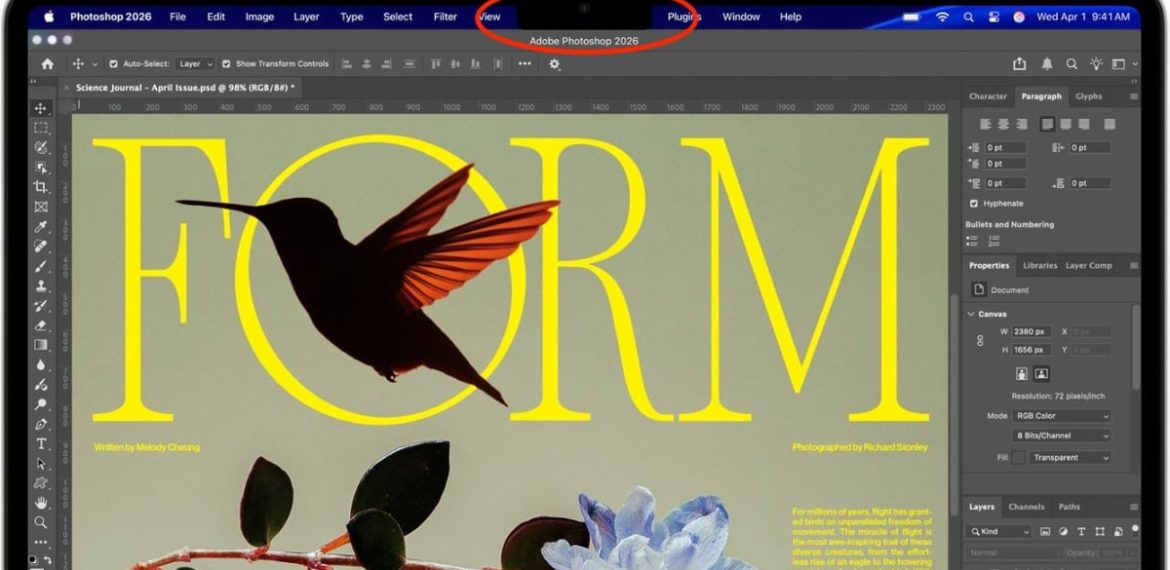
The MacBook Air and MacBook Pro have a notch at the top of the screen that contains the Center Stage camera, camera indicator LED, and True Tone and ambient light sensors. Unfortunately, that notch obscures menu bar icons as they pile up. Utilities such as Bartender and Ice offered solutions, but in macOS 27 Golden Gate, Apple provides a built-in answer. When icons overflow the menu bar, click the left-pointing double arrow to the right of the notch. The hidden icons appear on the left, temporarily covering other menu items if necessary.

Menu bar still a junk drawer of icons you don’t recognize? That’s often a sign of years of forgotten software, and it’s one of the first things I clean up on a tune-up visit. Book one or call (858) 217-4609.
Featured image by Apple
(In-body screenshot courtesy of the TidBITS Content Network)
You must be logged in to post a comment.