Mac’s Tech Notes

Practical Apple advice from San Diego Mac Tech: Mac, iPhone, iPad, wifi, and security tips, in plain talk.

View Suspicious Documents Safely with Dangerzone
Mac

View Suspicious Documents Safely with Dangerzone

Got a suspicious attachment? Dangerzone converts potentially dangerous PDFs and Office docs into safe, pixel-only copies you can view without risk. Think of it as a virtual photocopier that strips any hidden malware, JavaScript, or macros.


Read more
Buying Advice

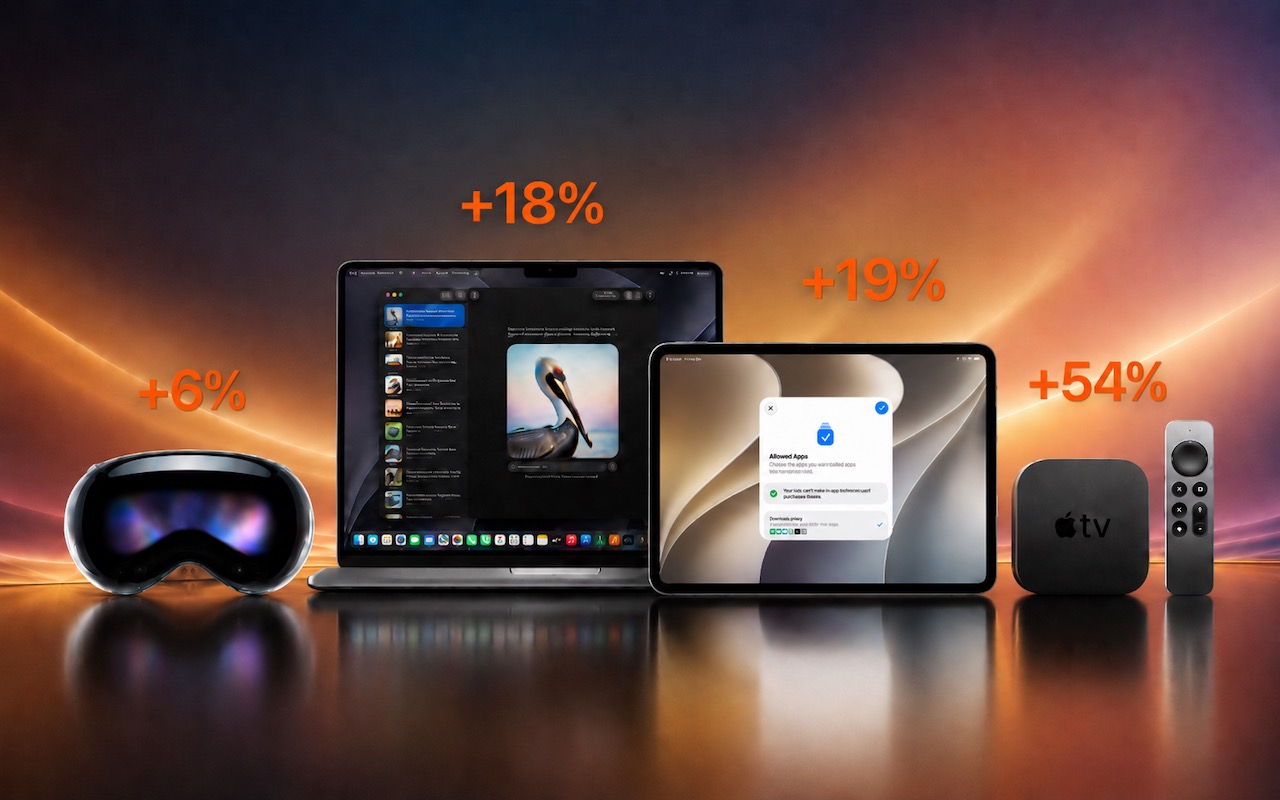
Don’t Delay Mac Purchases to the Last Minute

We’ve become accustomed to being able to get nearly anything we want—including Macs—overnight, or at least within a couple of days. Unfortunately, surging demand from AI data centers has created a global memory shortage that’s…

Read more
Never Miss a Meeting Again with In Your Face
Mac

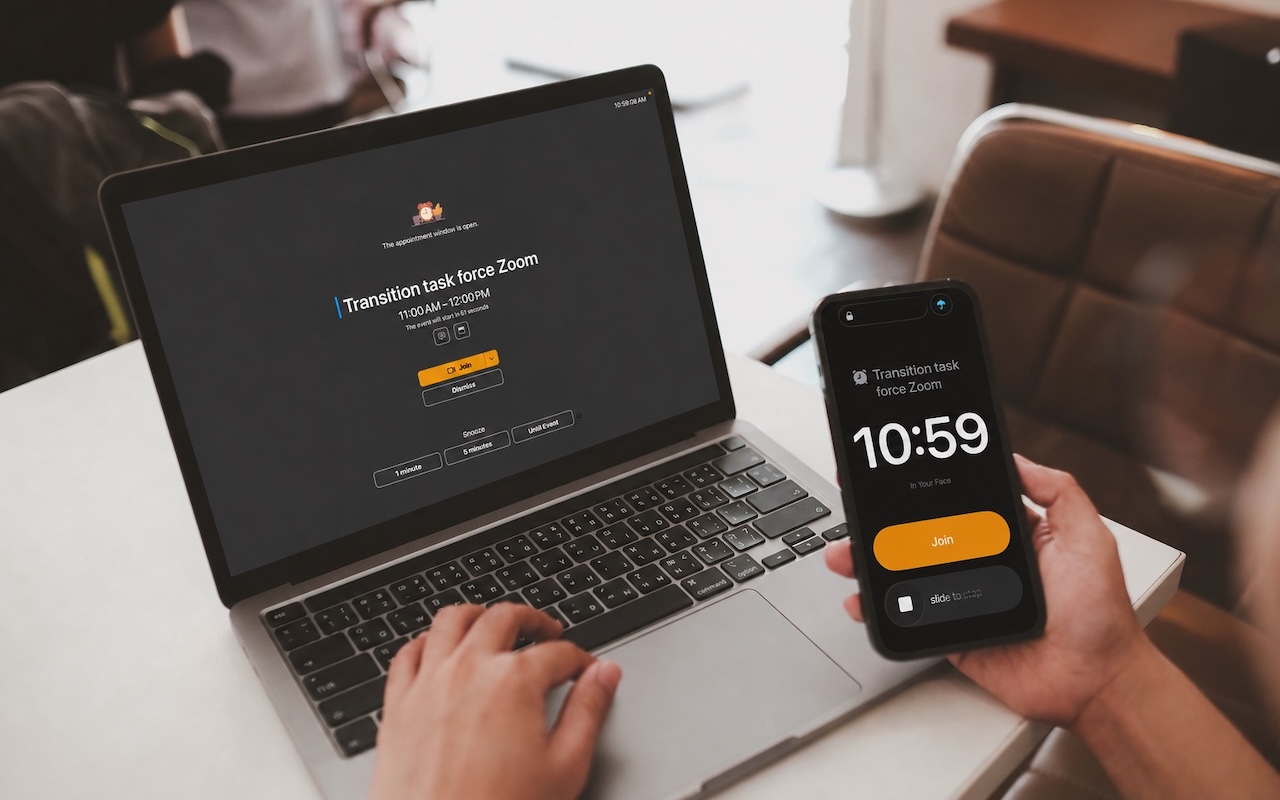
Never Miss a Meeting Again with In Your Face

Tired of missing meetings because you didn’t notice the notification? In Your Face shows unmissable full-screen alerts and makes joining video calls easy. It’s available for the Mac, Windows, iPhone, iPad, and Apple Watch.

Read more
Security

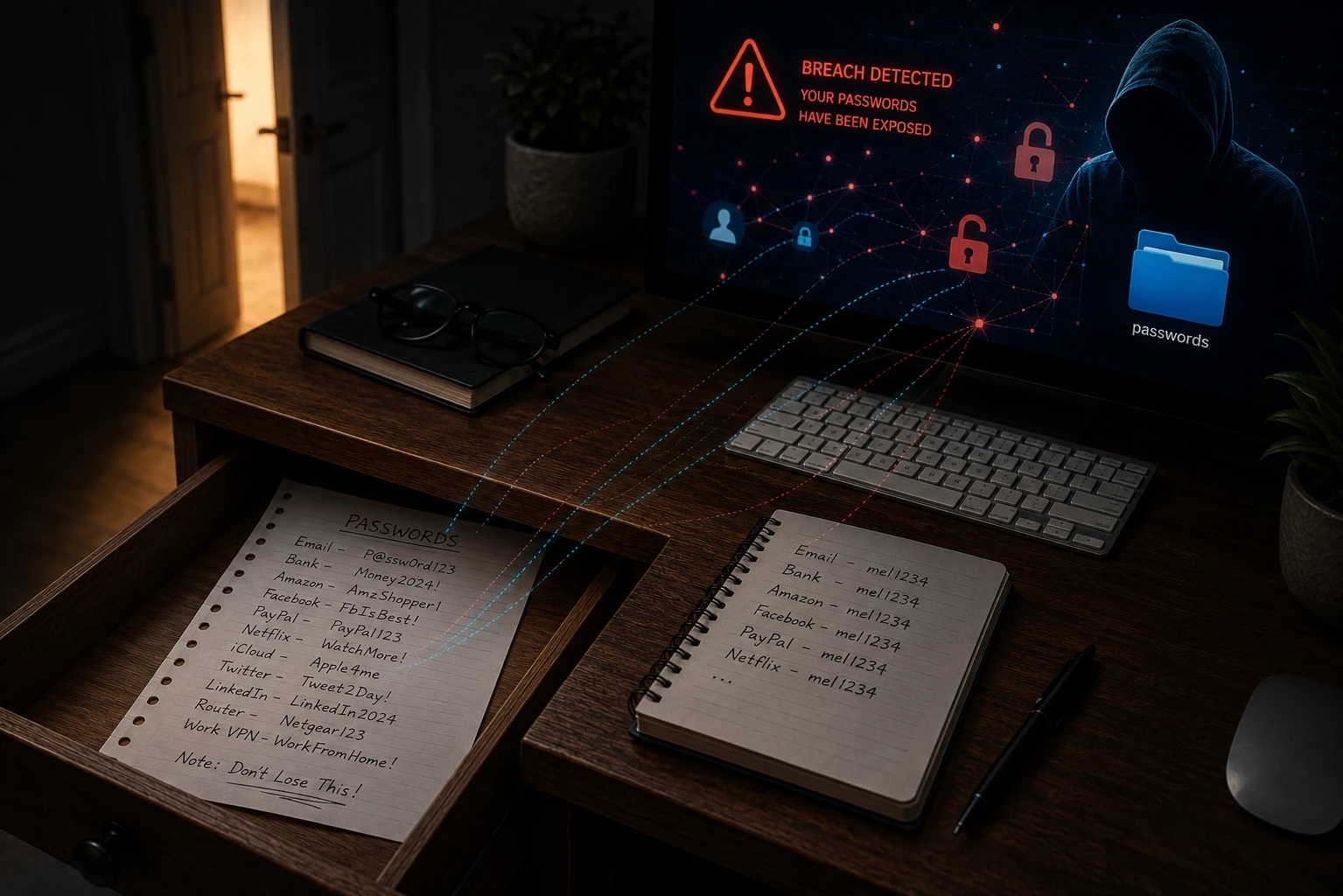
Make Sure Your Home Network Router Is Secure

Securing your home network might seem uninteresting or unimportant—after all, who would bother to target you? The answer is that criminal hackers are interested in your router for a range of disturbing purposes, including attacks…

Read more
Make Sure to Check Settings on Multiple Devices
iPad

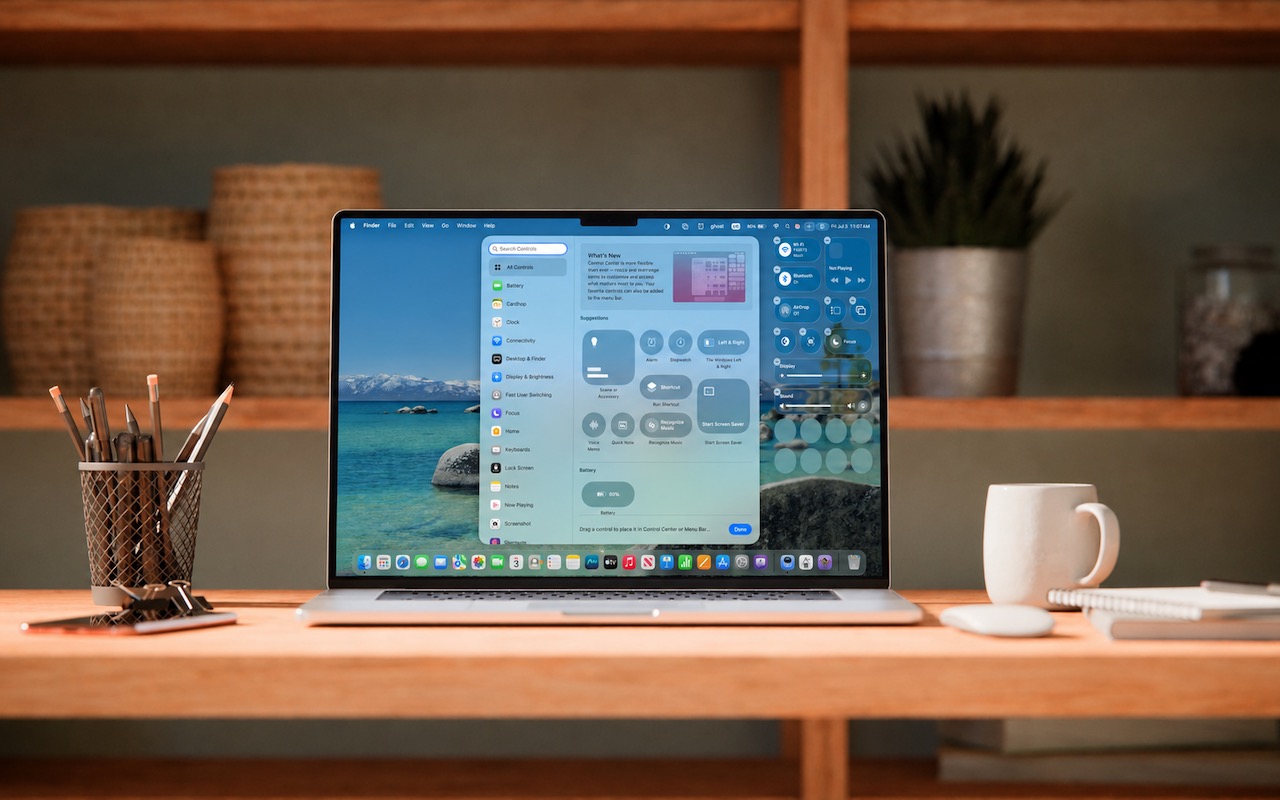
Make Sure to Check Settings on Multiple Devices

Is your app behaving differently on different devices? The culprit might be device-specific settings. To avoid frustration, check and synchronize your preferences across all devices to ensure consistent behavior where appropriate.

Read more

San Diego Mac Tech

Providing expert IT solutions tailored to businesses and individuals, specializing in Apple tech and seamless integration in multi-platform environments.

Join Our Mailing List

To be updated on the latest of Mac’s Tech Notes.

© 2026 SDMacTech. All Rights Reserved.