Out of Warranty? Damaged Laptop, iPhone or iPad?
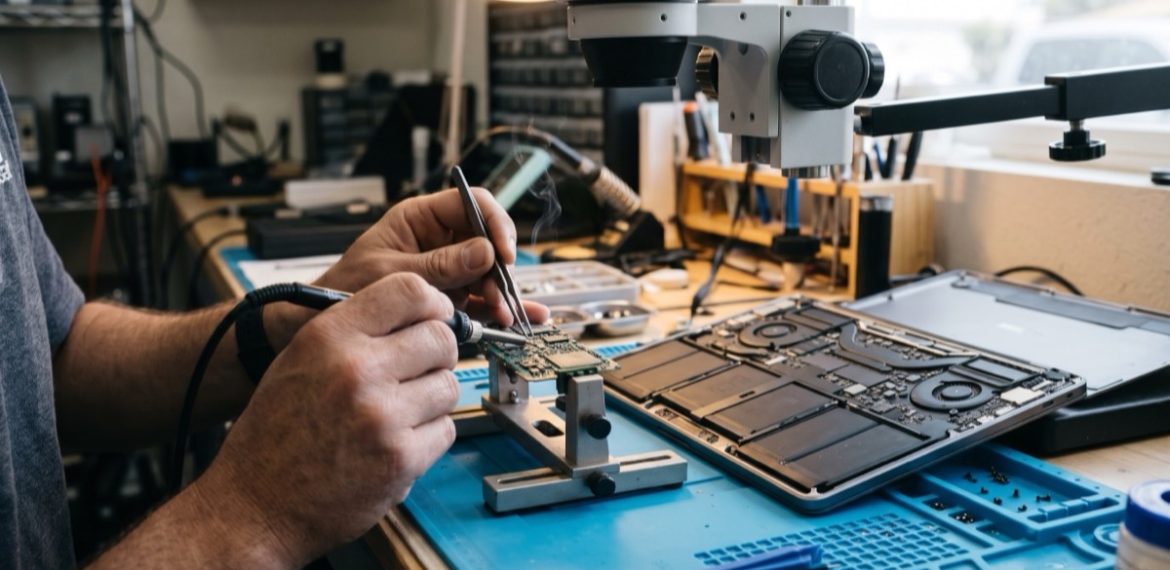
A client brought me a MacBook Pro with water damage. Apple quoted over $750 for a new logic board. I sent the client to Tony at iTech, who diagnosed the damage and replaced the one component on the board that had failed. The repair came in under $250.
That’s the kind of job I refer to Tony. I go on-site to help small businesses and home users around San Diego with Mac support, setup, data transfers and backups. I don’t do board-level hardware repair myself. I have been trained to do so, it’s just not my wheelhouse for small component PCB repair. When a repair needs circuit diagnosis and microsoldering one failed component, I send it to Tony. I’ve worked with him for years.
Who Tony is
Tony started fixing phones in 2009 as “Tony Tone Fix My Phone,” building the business by word of mouth and Craigslist. Today his shop is iTech iPhone & MacBook Repair on Balboa Avenue. He does screens, batteries, water damage and board-level repair on iPhones, iPads and MacBooks.
The shop handles phones, tablets and laptops only, so an iMac, Mac mini or Mac Studio needs a different repair shop.
When a whole assembly is on the repair quote
For an out-of-warranty device, Apple’s repair usually means replacing a whole assembly, such as the logic board or the top case, and the quote is priced for that part. If you get a quote for a logic board replacement, it’s worth asking whether the damage can be repaired on the existing board.
A board-level shop works differently. Tony traces the fault to the component that failed and replaces just that part, so the rest of the board stays in place. That was the option he found for my client’s MacBook Pro. The diagnosis matters because the right repair depends on what actually failed.
I also send people to iTech for more familiar problems, like a cracked iPhone screen or a MacBook battery that no longer holds a charge.
If you spill something on your device
Power it off right away and leave it off. If it’s plugged in, unplug it. Don’t charge it, don’t turn it back on to see if it still works, and don’t put it in rice. Rice doesn’t pull liquid out of a circuit board, and the hours you wait give corrosion time to spread. Get it to a repair shop as soon as you can.
For any repair, back up your data first if you can do it safely. With a wet device, leave it off and tell the shop if you don’t have a current backup. For a cracked screen or a worn battery on a device that still works, take a minute to check when the last backup finished.

Apple or iTech?
If your device is under warranty or covered by AppleCare+, start with Apple, because that coverage may pay for the fix. An independent repair is not an Apple repair, so if you’d rather Apple do the work, that’s a fair choice. Out of warranty, when Apple’s quote is for a whole new part, I send clients to Tony first.
Where to find iTech
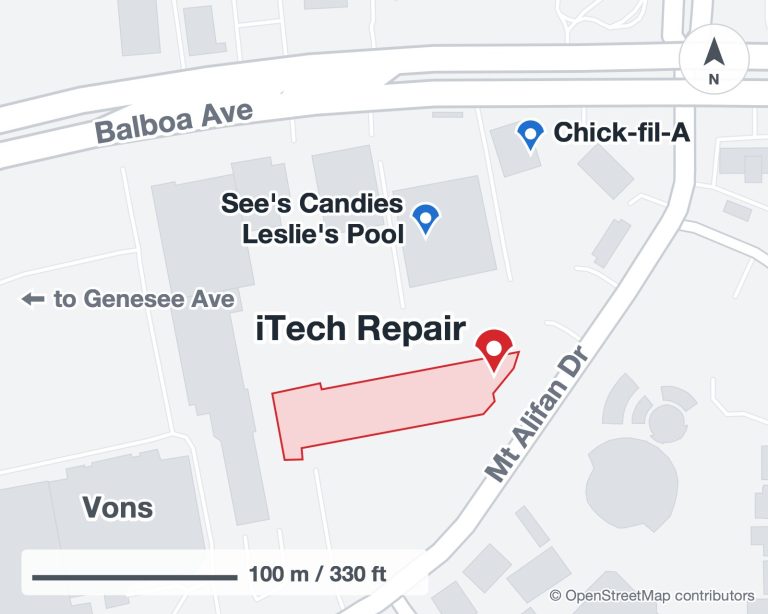
Call ahead to iTech iPhone & MacBook Repair at (858) 836-1104. The shop is at 5933 Balboa Ave, San Diego, CA 92111, and you can see his services at itech-sandiego.com. Tell Tony that Mac from SDMacTech sent you!
It’s in the Balboa Mesa Shopping Center, the same center as See’s Candies, Leslie’s Pool Supplies and Chick-fil-A.
After the repair, if you need help setting up the device, moving your data or getting backups set up properly, call me at (858) 217-4609 or book a visit.
(Map data © OpenStreetMap contributors)
You must be logged in to post a comment.