How I Back Up a San Diego Small Business: The 3-2-1 Setup
Ask a business owner if they have backup and the answer is usually “I think so.” Ask when they last restored a file from it and the room goes quiet. After 30 years of cleaning up after dead drives, stolen laptops, and ransomware, I install one pattern everywhere, because it works: 3-2-1.
The rule
Three copies of your data, on two different kinds of storage, with one copy offsite. Your working files are copy one. Then:
Copy two: every Mac, backed up automatically
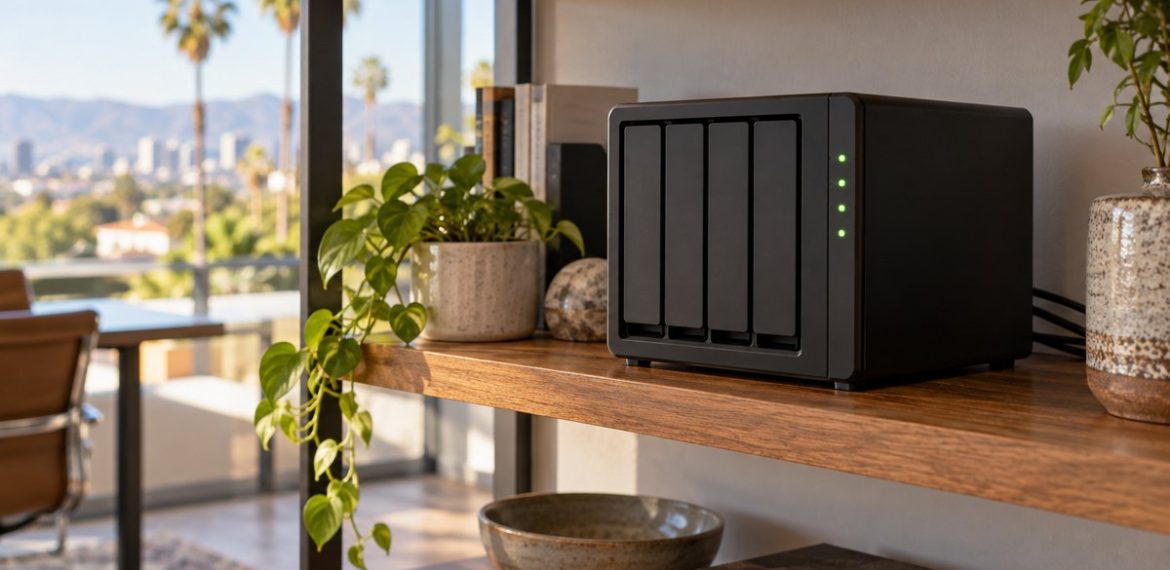
A Synology NAS sits quietly on a shelf and acts as the Time Machine destination for every Mac in the office. Every machine backs up every hour, in the background, with no one remembering to plug in a drive. When a laptop dies or walks away, the new one is back up and running the same day.

Copy three: offsite and encrypted
Fire and theft take the office copy with them, and modern ransomware goes looking for any backup it can reach. So the NAS sends an encrypted copy offsite every night: to Synology’s C2 cloud, or to a second NAS across town. Encrypted before it leaves the building, versioned so even a bad week can be rolled back, and restorable from anywhere. On the NAS itself I turn on immutable snapshots, so ransomware that reaches the backup share still can’t erase the older versions.
The step everyone skips: the test restore
I don’t count a backup as working until I’ve restored a real file from it. When I set this up, I restore real files with you before I call the job done. The drill takes about twenty minutes, and it changes how you sleep. I would much rather find a misconfigured backup during a drill than during a disaster, so I also check in on the system afterward, and “it stopped backing up in March” never becomes your problem in September.
What it costs
Less than you’d guess. You own the primary backup hardware outright instead of renting ever-growing cloud storage at so much per user, per month; the small encrypted offsite piece is the only subscription. For most small offices the whole thing is a one-day install plus the NAS and drives. Call me and I’ll quote your office. Backup like this is also part of my managed Mac IT services.
Not sure what your current backup would actually save? That’s the first thing I check on a site visit. Call (858) 217-4609.
You must be logged in to post a comment.