Mesh wifi explained: why an eero system beats a single router in most San Diego homes
If you’ve ever stood in your bedroom holding your phone up like you’re trying to catch a signal from a passing satellite, you already know what a wifi dead zone feels like. I get called out for this constantly: the router works great in the living room, and by the time you’re in the back bedroom or out in the garage, it’s a slideshow.
Most of the time the problem isn’t your internet plan. It’s that one router, no matter how expensive, was never built to cover an entire house. That’s where mesh wifi comes in, and it’s the single biggest upgrade I install for clients across San Diego.
Why one router struggles in a San Diego home
San Diego houses are hard on wifi signals in ways people don’t expect.
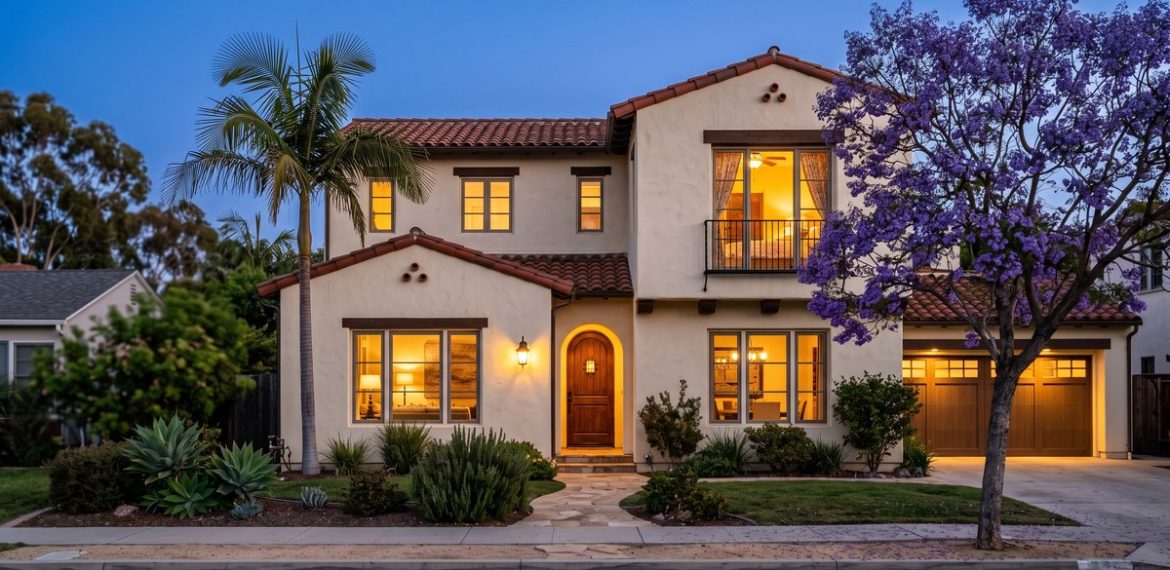
A lot of our homes, especially anything built from the 1950s through the 1970s, have lath and plaster interior walls or stucco exteriors with wire mesh underneath. That wire mesh is basically a Faraday cage for wifi. Signal that would sail through drywall in a newer build just gets absorbed or bounced.
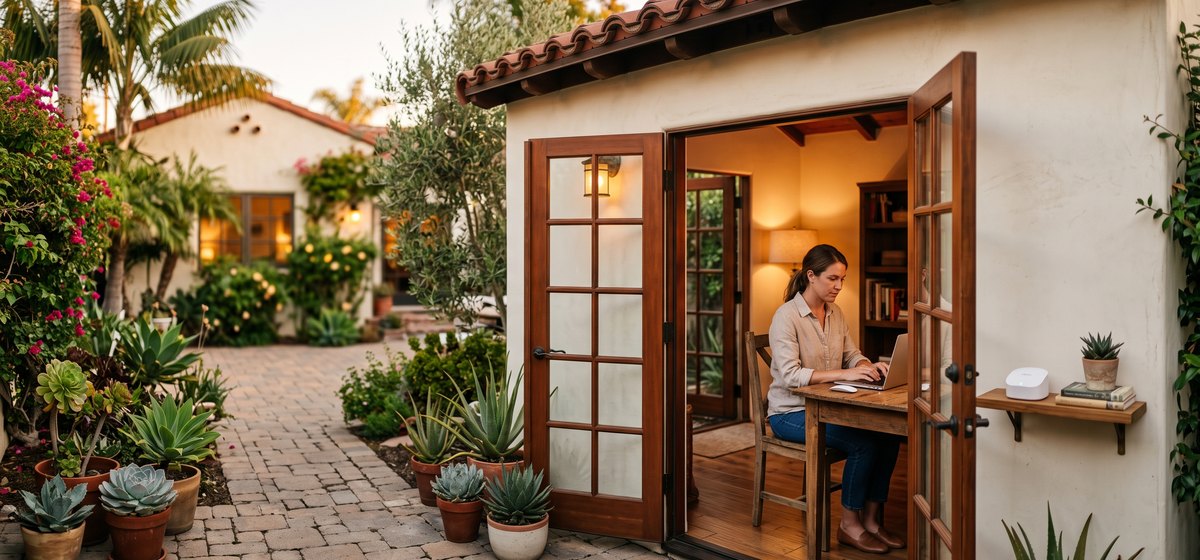
Then there’s the layout. Two-story homes put a router on the main floor and expect it to punch through a ceiling and several walls to reach the upstairs bedrooms. Long single-story ranch homes, which are everywhere in North County and East County, stretch a router’s range thin across 60 or 80 feet of hallway. And if you’ve got a detached office, a casita, or an ADU out back, a single router in the main house has zero chance of reaching it.
Add in canyon lots with homes built into a hillside, garages converted into workspaces, and the classic “router stuck in a closet by the cable box” placement, and you’ve got a recipe for dead zones no matter how much you paid for your internet plan.
What mesh wifi actually is
A mesh system replaces the idea of one powerful router with several smaller units, called nodes, spread around the house. Every node broadcasts the same network name and password, and your phone or laptop automatically connects to whichever node has the strongest signal as you move around. No more picking between “Home Wifi” and “Home Wifi 5G” and manually switching networks when you walk into the kitchen.
The nodes also talk to each other, so as you walk from the living room to the backyard, your video call doesn’t drop. That handoff between nodes is the whole point, and it’s where the quality of the mesh system really matters.
How eero mesh works
I install eero systems specifically because the software behind the hardware is genuinely good, not just the radios.
Eero’s mesh technology, TrueMesh, constantly analyzes the connections between nodes and reroutes traffic around interference in real time, similar to how a GPS app reroutes you around traffic. If a neighbor’s wifi or a microwave is jamming one path, TrueMesh finds another way to get your data where it needs to go.
Band steering works alongside that. Modern eero units broadcast on multiple radio bands (2.4 GHz for range, 5 GHz and 6 GHz for speed), and instead of making you choose, the system automatically puts each device on whichever band will perform best for it at that moment. Your smart plugs and doorbell cameras end up on the band built for range and reliability, while your laptop and TV get shuffled onto the faster bands when they’re close to a node.
The result is one wifi name, one password, and a system that quietly makes good decisions in the background instead of making you troubleshoot it.
The current eero lineup, as of August 2026
Eero’s lineup has shifted to Wifi 7 hardware this year, and there are a few tiers depending on your home size and internet plan:
- Eero 7 is the entry-level Wifi 7 model, a solid fit for most single-family homes and internet plans up to about 2.5 Gbps.
- Eero Pro 7 is the tri-band model I recommend most often for larger San Diego homes with higher bandwidth needs, home offices, or several people streaming and gaming at once.
- Eero Max 7 is the top-tier model, built for multi-gigabit fiber plans and homes that want maximum throughput and extra Ethernet ports for wired devices.
- Eero Pro 6E is the previous generation and is still sold and supported. It’s a reasonable value pick if Wifi 7 devices aren’t a priority for your household yet.
Which one makes sense depends on your internet plan, your home’s size, and what’s actually connecting to your network. That’s part of what I sort out on a site visit rather than guessing over the phone.
How many nodes does your house actually need
There’s no single number that fits every San Diego property, but here’s roughly how it shakes out:
A condo or smaller single-story home under about 1,800 square feet often does fine with two nodes. A typical two-story San Diego home in the 2,000 to 3,500 square foot range usually needs three nodes, one per floor plus one to cover the far end of the house. Long ranch-style homes and properties with a detached ADU, casita, or office usually need a dedicated node in that separate structure, which almost always means running a wire out to it rather than hoping wireless signal makes the jump across the yard.
Canyon lots and homes with unusual layouts, thick masonry, or multiple structural walls sometimes need an extra node or two beyond what the square footage alone would suggest. I walk the property and check signal at the problem spots before recommending a count. Guessing at this stage is how people end up with either dead zones or nodes they didn’t need.
Wired vs wireless backhaul
“Backhaul” is just the connection between your mesh nodes. It can be wireless, where the nodes talk to each other over wifi, or wired, where they’re connected by an Ethernet cable back to your main router or a switch.
Wireless backhaul is simpler to set up and works well for most homes, especially with eero’s software handling the routing intelligently. But every hop from node to node over wireless backhaul eats into your available bandwidth a little.
Wired backhaul is the gold standard. If a node is connected by Ethernet, it can push its full speed to your devices without splitting bandwidth with the wireless connection back to the router. For detached structures like an ADU or garage office, wired backhaul isn’t just better, it’s often the only way to get reliable speed out there. If your house already has Ethernet run to a few rooms, or if you’re open to running a line during the install, it’s worth doing.
Common placement mistakes
The most common mistake I see is a router or node stuffed inside a media cabinet or a closet with the door shut. Wifi doesn’t like being boxed in by cabinetry, and it especially doesn’t like being surrounded by other electronics.
The second most common mistake is spacing nodes too far apart, on the assumption that more distance means more coverage. Mesh nodes need to be within reasonable range of each other to hand off cleanly. Putting one node in the living room and the next one all the way at the far end of the backyard casita, with nothing bridging the gap, usually creates a weak link in the middle rather than solving the problem.
Placing nodes at floor level instead of up on a shelf or mounted higher also hurts performance more than people expect. Wifi signal spreads out and down from the source, so height matters.
If you’re on a Mac and want a quick read on your signal in any room, hold down the Option key and click the wifi icon in the menu bar. You’ll see live signal details most people never know are there, and the same menu can open Apple’s hidden Wireless Diagnostics tool. Walking from room to room with that menu open is a simple version of what I do on a site visit.
What eero Plus adds
Eero Plus is the optional subscription layered on top of your hardware. It bundles ad blocking, a built-in VPN, malware and identity protection through Malwarebytes, and a password manager through 1Password, all covering every device on your network without per-device limits. It also gets you priority access to eero’s support team.
It’s not required to run a great mesh network, but for households that want a simple way to cover security basics across every phone, laptop, and smart device in the house without installing separate apps on each one, it’s a convenient add-on. I can walk you through whether it makes sense for your household during the install.
When a single router really is enough
I’ll say this plainly because I’d rather save you money than sell you gear you don’t need: if you’re in a smaller condo or apartment, roughly 1,200 square feet or less, on one level, with no thick masonry walls between you and the router, a single good router might genuinely cover the whole place. Not every home needs a three-node mesh system.
The honest answer comes from actually testing the space, not from a square footage chart. That’s true whether you end up needing one router or five mesh nodes.
If you’re dealing with dead zones, slow wifi in the back bedroom, or a detached office that never gets a solid connection, I install eero mesh systems on-site across San Diego and I’m a certified eero Pro installer. You can read more about how I approach these installs at eero Pro wifi installation in San Diego. Ready to get your whole house covered? Book an on-site visit or call me directly at (858) 217-4609 and we’ll figure out exactly what your home needs.
You must be logged in to post a comment.