Turn Off Unused Sharing Services on Your Mac
SDMacTech note: Security advice is most useful when it becomes a habit. If you are unsure whether this applies to your Mac, iPhone, iPad, router, or home office setup, I can help you check it safely and explain the options in plain English.
At SDMacTech, I help San Diego Mac, iPhone, and iPad users make technology less frustrating and more reliable.
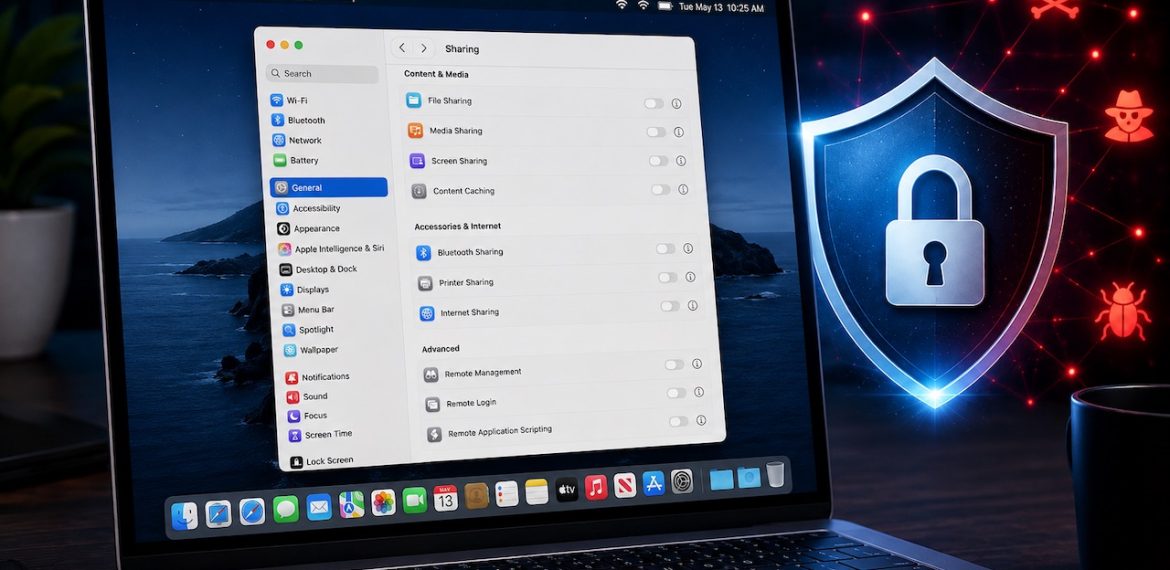
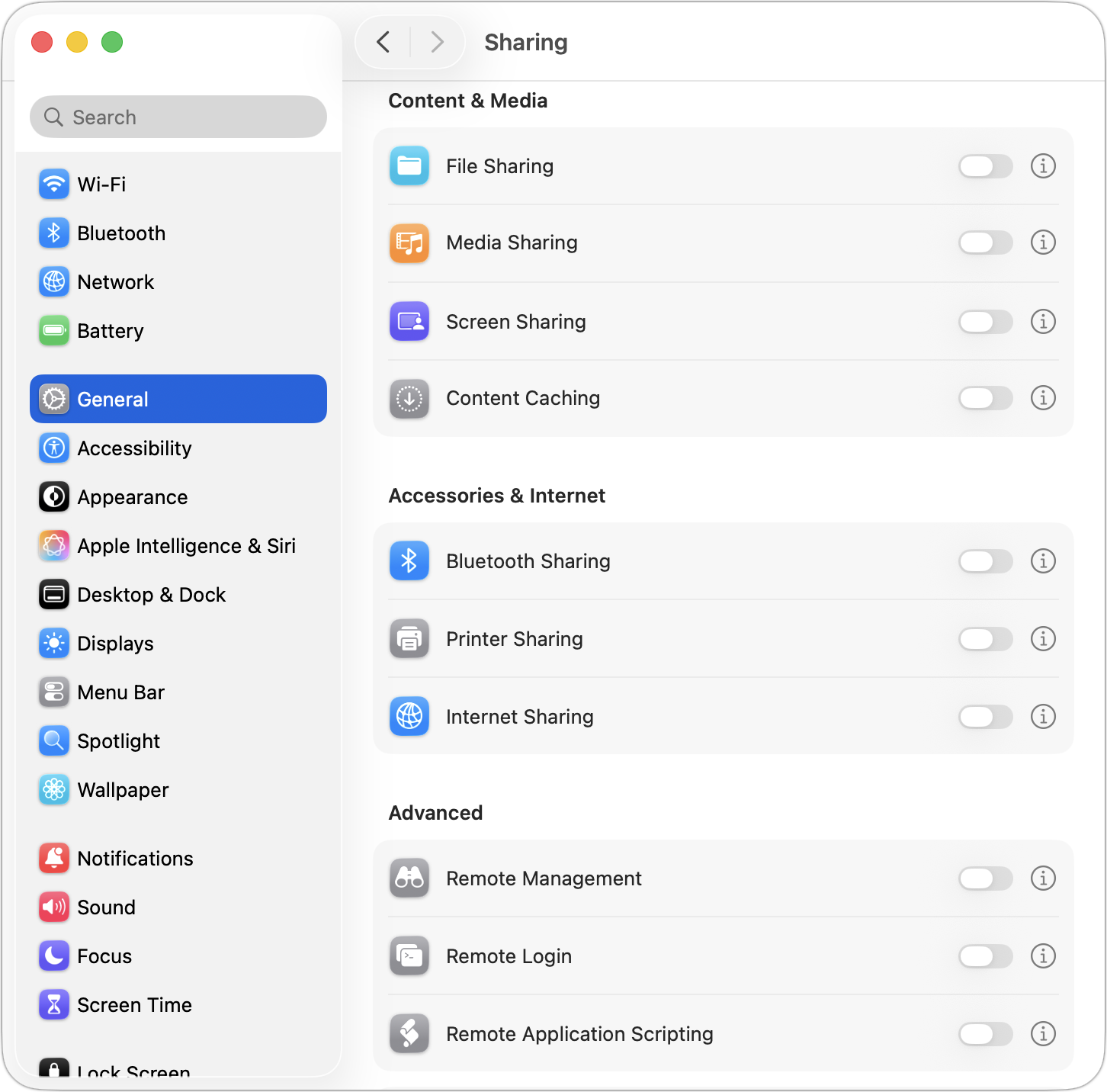
Apple just released macOS 26.6.1 Tahoe, macOS 15.7.9 Sequoia, and macOS 14.8.9 Sonoma solely to patch a vulnerability in Screen Sharing that could allow unauthenticated connections from attackers on the network. Yes, you should update, but also take a moment to visit System Settings > General > Sharing and turn off any sharing services you aren’t actively using. Many security breaches stem from simple oversight, and it’s easy to turn on a service and forget to turn it off later. All these services let you limit access to particular users, but passwords can be stolen, accounts can be compromised, and server software can have bugs. The most important services to turn off when not in active use are File Sharing, Screen Sharing, Remote Management, Remote Login, and Remote Application Scripting. I also caution against leaving Printer Sharing and Internet Sharing on unnecessarily.
(Featured image generated by Adam Engst with ChatGPT)
You must be logged in to post a comment.